


A Guide to Modern Shop Security Systems
- Бонус за регистрацию онлайн казино
- Jul 25, 2025
- 18 min read
Protecting your business isn't just another line item on your expense sheet—it's a fundamental investment in its stability and future. It's time to stop thinking of a shop security system as a defensive purchase and start seeing it as a proactive tool that protects your inventory, your people, and your profits from the daily grind of threats like theft and vandalism.
Why Shop Security Is a Smart Investment
If you run a retail shop, you know the feeling. It can seem like a constant battle against forces you can’t always see. Just managing inventory, helping customers, and making sales is tough enough. Add in the steady, quiet drain of shrinkage from theft, fraud, or even simple damage, and it can feel overwhelming. This is exactly where a modern security system changes the game, moving from a reactive "what if" to a core part of your business strategy.
Think of a good security system as more than just a camera bolted to the wall. It’s an active insurance policy. Your regular insurance policy pays you after something terrible has already happened. A well-planned security setup works around the clock to stop that terrible thing from happening in the first place. It discourages bad actors and, just as importantly, gives you a clear window into what's happening in your store day-to-day.
The Core Components of Protection
At its core, a solid security system isn't just one thing; it's a few key pieces working together. Each one plugs a different hole in your defenses, creating layers of protection around what you’ve worked so hard to build. These are the essentials:
Video Surveillance: These are your eyes on the ground, 24/7. But today's cameras do so much more than just record. They help you understand customer traffic patterns, visibly deter shoplifters, and settle disputes with undeniable video proof.
Intrusion Alarms: This is your invisible fence. When you lock up for the night, door and window sensors, motion detectors, and glass-break sensors create a digital tripwire around your property, instantly notifying you—and the authorities—of any uninvited guests.
Access Control: Think of this as your digital bouncer. Access control systems give you the power to decide who goes where, and when. Need to keep people out of the stockroom or the office? This is how you do it, preventing theft from both outside and within by locking down your most sensitive areas.
From Fear to Empowerment
The real power of a security system isn't in the hardware; it's in the peace of mind it gives you. Instead of lying awake worrying about what could happen, you can rest easier knowing you’ve taken smart, concrete steps to protect your livelihood. And the numbers don't lie. Business owners everywhere are catching on, which is why the market for these systems is booming.
The global retail security system market was valued at about USD 25.8 billion in 2024. It's expected to almost double to USD 45.2 billion by 2033. A huge driver of this growth is the need to clamp down on losses from shoplifting, which costs U.S. businesses an estimated $13 billion every single year. You can discover more insights about the growing retail security market and its impact on businesses worldwide.
When you bring these tools together, you change your shop from an easy target into a secure space. This doesn't just shore up your bottom line. It builds confidence with your customers and creates a safer environment for your employees, freeing you up to focus on what you do best: growing your business.
Understanding the Pillars of Shop Security
A truly effective shop security system isn't just one gadget. Think of it like a medieval castle's defenses—you wouldn't just build a high wall. You'd also have a moat, watchtowers, and guards at the gate. A modern security setup for your business works the same way, layering different technologies to create a comprehensive shield.
These layers are built on three core pillars that work together to protect your assets, staff, and customers. Getting a handle on how these pillars—video surveillance, intrusion alarms, and access control—function is the first step toward building a defense that actually works. Each one tackles a different vulnerability, and when you combine them, they create a seriously formidable barrier against threats.
To give you a better idea of how these components fit together, let's break down each pillar, its main job, and the common tools used.
Core Components of a Shop Security System
Security Pillar | Primary Function | Common Technologies |
|---|---|---|
Video Surveillance | To deter, monitor, and record activity, providing visual evidence. | Dome cameras, bullet cameras, PTZ (Pan-Tilt-Zoom) cameras, IP cameras. |
Intrusion Alarms | To detect and signal unauthorized entry, especially after hours. | Door/window sensors, motion detectors, glass-break sensors, sirens. |
Access Control | To manage and restrict entry to specific areas or the entire premises. | Keycard/fob readers, keypad locks, biometric scanners (fingerprint/facial). |
This table shows how each pillar plays a distinct but complementary role. Now, let's dive into what makes each one so important for your shop.
Here’s a look at how security cameras, a key pillar, can be integrated into a modern retail space to act as both a deterrent and a crucial data-gathering tool.
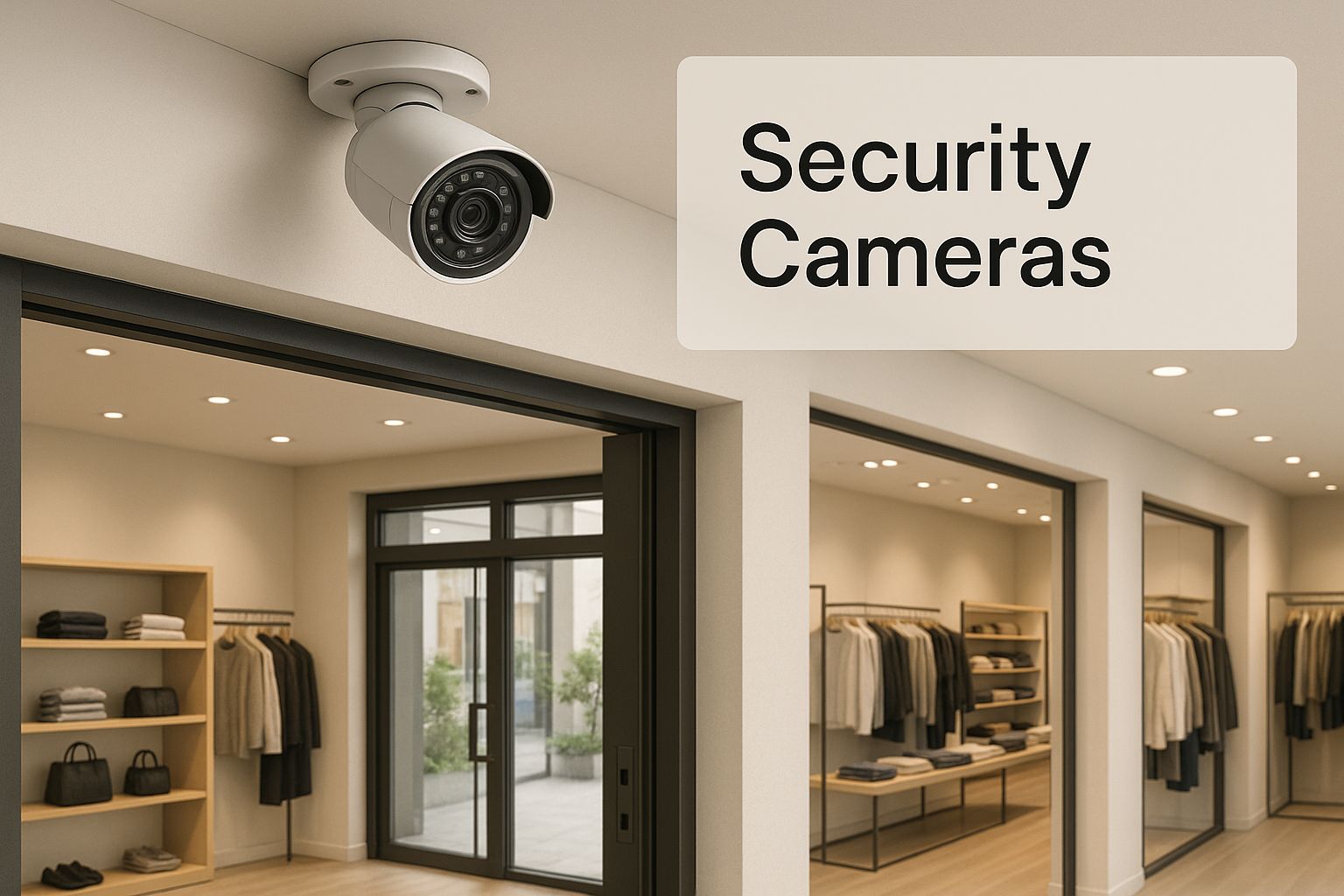
As you can see, the strategic placement of cameras is everything. It sends a clear message to potential wrongdoers while helping you keep an eye on operations.
Pillar 1: Video Surveillance
Video surveillance is easily the most visible part of most shop security systems. These are your always-on watchtowers, giving you eyes on your property even when you can't physically be there. Their main job is to deter potential criminals and, if an incident does happen, to capture undeniable proof.
But today's cameras are so much more than simple recording devices. They come in all shapes and sizes, each built for a different job.
Dome Cameras: These are discreet and it’s tough for people to tell which way they're pointing, which makes them perfect for general indoor surveillance.
PTZ (Pan-Tilt-Zoom) Cameras: You can control these remotely to pan, tilt, and zoom in on specific activity. They’re ideal for covering large areas like parking lots or big showrooms.
Beyond the type of camera, features like high-definition resolution and night vision are non-negotiable. Crystal-clear footage is essential for identifying faces or reading license plates, and night vision ensures your protection doesn't stop when the sun goes down.
Pillar 2: Intrusion Alarms
If cameras are your watchtowers, think of intrusion alarms as your moat—the first line of defense against break-ins after hours. This system creates an invisible perimeter around your store. When you arm it, a network of sensors stands guard, ready to detect any funny business.
The sensors are the real unsung heroes here. They include door and window contacts that trigger when opened, motion detectors that sense movement inside, and even glass-break sensors that listen for the specific sound of shattering glass. If any of these are tripped, the alarm sounds, creating a powerful deterrent that sends intruders running.
A critical choice you'll face is whether to get a monitored or unmonitored system. An unmonitored alarm just makes a loud noise, hoping you or a neighbor will call the police. A professionally monitored system, on the other hand, alerts a 24/7 security center where trained operators verify the alarm and dispatch emergency services for you, guaranteeing a fast, professional response.
Pillar 3: Access Control
The final pillar is access control, which is basically your castle's gatekeeper. This is all about managing who can go where—and when. While alarms protect you from outside threats after hours, access control is vital for stopping both internal and external theft during the business day by securing high-value areas.
It effectively replaces old-school keys with more secure and manageable solutions. Instead of worrying about lost or copied keys, you can use modern systems like:
Keycard or Fob Systems: Employees get a card or fob that only grants them access to approved areas. If an employee leaves, you can deactivate their credentials in seconds.
Biometric Readers: For maximum security in sensitive zones like a back office or stockroom, fingerprint or facial recognition scanners ensure only authorized individuals can get in.
By implementing access control, you create a clear audit trail. The system logs every entry attempt, so you always know who accessed a specific room and at what time. This accountability alone is a huge deterrent against internal theft and keeps your most valuable assets locked down tight.
Choosing the Right Security Cameras
When you think about shop security systems, cameras are probably the first thing that comes to mind. They’re your eyes on the floor, running 24/7. But with all the tech jargon out there, picking the right ones can feel like a chore. Let’s be clear: making a smart choice here is the difference between having blurry, useless footage and having clear evidence that can actually help you.
It's a bit like choosing a camera for a family portrait. Your phone might be fine for a quick snapshot, but you wouldn't hire a professional photographer who showed up with just a basic phone. The same logic applies to your business. A grainy blob in the corner of the frame is worthless, but a sharp, high-resolution image of a face can be invaluable.

Investing in quality cameras is a move that more and more businesses are making. In fact, the global commercial security system market is expected to jump from USD 222.86 billion in 2025 to a staggering USD 381.66 billion by 2030. That growth is being fueled by new tech like AI, cloud computing, and the Internet of Things (IoT) being baked right into surveillance systems. If you're curious about the bigger picture, you can read the full research on the commercial security market to see where the industry is headed.
Key Camera Specifications Demystified
When you start comparing cameras, you'll run into a few key specs. Don't let them intimidate you. Understanding what they actually mean for your shop will make your decision a whole lot easier.
IP vs. Analog Cameras: Think of this as the difference between modern streaming and old-school broadcast TV. IP (Internet Protocol) cameras are digital, sending crisp, high-quality video over a network. Analog cameras are the older tech with fuzzy, lower-resolution video. For any new system, IP cameras are the only way to go.
Resolution (Megapixels): This is all about detail. A higher megapixel count (like 4MP or even 4K) means a sharper picture, which is what you need to clearly identify faces or read license plates from a distance. A 1080p camera is a decent baseline, but a 4K camera gives you four times the detail.
Field of View (FoV): This is just how wide of an area the camera can see, measured in degrees. A wide FoV (say, 120°) is perfect for getting a big-picture view of your sales floor. A narrower FoV is better when you need to focus on a critical spot, like the cash register.
Cameras That Think With AI
The best modern shop security systems do more than just record—they analyze what they see. Artificial Intelligence (AI) has transformed passive cameras into proactive security tools that can flag potential trouble in real time.
Instead of an employee having to sift through hours of video footage to find one specific incident, AI-powered cameras can automatically tag the important moments. This saves an unbelievable amount of time and makes your security system a much smarter tool for preventing loss.
These "smart" features are a game-changer for busy shop owners. Some of the most useful AI capabilities include:
Person Detection: The camera learns to ignore motion from things like swaying signs or tree branches, alerting you only when it detects a person.
Loitering Alerts: You can set a rule to get a notification if someone hangs around in a sensitive area for too long—like near a stockroom door or outside after closing.
Line Crossing: This is great for restricted areas. You draw a virtual line on the screen, and the system sends an alert if anyone crosses it.
Your Store Assessment Checklist
Before you spend a dime, take a walk through your shop with a critical eye. Every business is different, so your camera setup should be designed for your specific weak spots.
Identify High-Risk Areas: Where are you most vulnerable? Pinpoint the obvious spots: cash registers, entrances and exits, stockrooms, and displays with high-value items. These are the places that need your best cameras.
Evaluate Lighting Conditions: Walk around and look for poorly lit corners, areas with bright glare from windows, or deep shadows. Cameras with Wide Dynamic Range (WDR) technology are built to handle tricky lighting, while those with infrared (IR) night vision are a must for after-hours surveillance.
Map Out Your Coverage: Grab a pen and sketch a simple floor plan of your store. Mark where you think cameras should go, and consider the field of view you'll need to eliminate blind spots. Don't forget to cover both the inside of your store and the immediate exterior, like the front entrance and back alley.
Integrating Your System for Total Protection
Having a standalone camera or an alarm that doesn't talk to anything else is better than nothing, but it's only a small piece of the puzzle. It’s like having a great drummer without a band—they can keep a beat, but they can't create a song. Real security for your business happens when all your systems are integrated, working together as a single, coordinated team.
This creates a defense that's not just stronger, but smarter and faster. Think of it like a neighborhood watch. If one person sees something suspicious, they can alert everyone else instantly. When your cameras, alarms, and door access systems are connected, they do the same thing for your shop, creating a powerful, unified response to any threat.
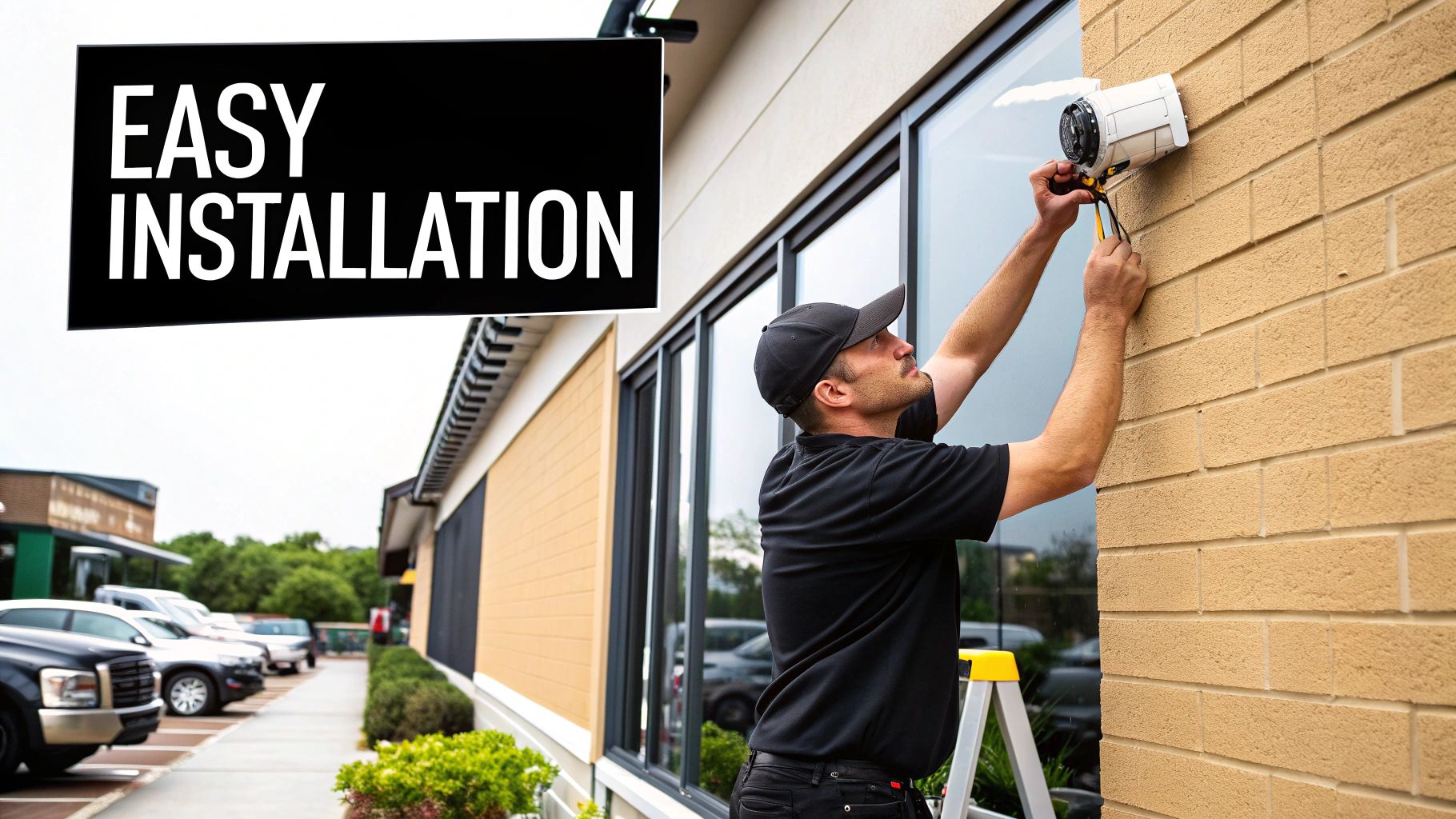
This synergy turns your security from a passive bunch of gadgets into an active, intelligent shield for your business.
How Integration Creates a Smarter Response
When your security components are isolated, they're siloed. An alarm can trip, but your cameras won't know to look at that spot. Someone could try to force a door, but you'd only get an access-denied log without any visual context. Integration fixes this by creating automatic cause-and-effect actions.
Here’s a real-world example of how it works:
Someone tries to use a deactivated keycard on your back stockroom door at 2 AM.
The access control system denies entry and logs the attempt.
Instantly, the integrated system automatically tells the nearest camera to swivel and zoom in on that doorway, getting a clear video of the person.
At the same moment, you get an alert on your phone with a video clip of the event.
In seconds, the system detected a threat, gathered crucial evidence, and notified you. All of this happened automatically, without anyone needing to watch the cameras live. That’s a level of response you simply can't get from separate, non-integrated devices.
The Brain of the Operation: A Unified Platform
The secret sauce that makes all this coordination possible is a unified security platform. This is the software that acts as the central command center for all your security hardware. It pulls the video feeds from your cameras, the entry logs from your door readers, and the alerts from your alarm sensors into a single, easy-to-use dashboard.
A unified platform is the conductor of your security orchestra. It makes sure every instrument plays its part at precisely the right moment, turning a jumble of devices into a finely tuned system working 24/7 to protect your business.
This centralized control is a game-changer for efficiency. Instead of hopping between different apps and programs, you can monitor your entire property, review incidents, change employee permissions, and generate reports—all from one place. It saves a massive amount of time and gives you a complete, at-a-glance overview of your security.
Beyond Security: Integrating with Business Tools
The best systems don't stop at just security. They can integrate with other crucial business tools, especially your Point of Sale (POS) system. This connection is one of the most effective ways to combat internal theft and fraudulent transactions.
When your security cameras are linked to your POS, every single transaction is tied to a video recording. If you notice a high number of "voids" or "no-sale" drawer opens on a particular register, you can immediately pull up the video for those exact moments. This gives you irrefutable evidence to address internal issues quickly and confidently.
Of course, once your systems are connected, you have to protect the data itself. This is where cybersecurity comes in. Ensuring your network is secure is just as important as locking the front door, especially if you're using cloud-based platforms. For business owners who want to dig deeper, learning about essential cybersecurity for cloud-based systems is a great next step to protect your digital infrastructure.
Getting It All Set Up: Installation and Maintenance
Picking the right security system is a huge decision, but it's only half the battle. A system is only as strong as its installation and ongoing care. Now comes the part where we get everything running correctly and create a simple routine to make sure it keeps protecting you year after year. It might sound technical, but it really boils down to one big choice and a few easy habits.
The first fork in the road is deciding how to get the system installed: Do it yourself, or hire a professional? If you have a tiny space and a simple, wireless setup, a DIY approach can definitely save you some money. For most businesses, though—especially when you’re dealing with multiple cameras, access control, and integrated alarms—calling in a pro is almost always the smarter move.
DIY vs. Professional Installation
Let’s be honest, the main appeal of DIY is saving cash. But it's a classic trade-off. What you save in upfront cost, you might pay for in time, frustration, and potential mistakes.
Aspect | DIY Installation | Professional Installation |
|---|---|---|
Cost | Lower initial cash outlay, but you risk hidden costs if you make a mistake or need extra tools. | Higher upfront investment, but you get a fixed price that covers all the work and expertise. No surprises. |
Expertise | You need to be comfortable with tech. It's easy to misplace a camera and create a huge blind spot. | Installers live and breathe this stuff. They know exactly how to optimize camera angles, place sensors, and ensure a stable connection. |
Time | Can be a massive time sink. Your time is better spent running your business, not fishing wires through walls. | Fast and efficient. A pro can get a complex job done in a day that might take you an entire weekend. |
Warranty | If you break something during the install, that's on you. You could even void the equipment warranty. | Good installers guarantee their work and ensure all manufacturer warranties stay intact. |
Finding the Right Professional Installer
If you decide to go with a pro, don't just pick the first company that pops up on Google. A great installer is more than just a contractor; they're a long-term partner in your shop's safety.
Before you hire anyone, make sure you ask these questions:
Are you licensed, bonded, and insured to work here? (This is non-negotiable.)
Can you give me a few references from other local businesses similar to mine?
What kind of warranty do you offer on the installation itself?
What does your support look like after the job is done?
Spending a little extra time vetting your installer saves you a world of headaches later on. It ensures your shop security systems are set up for peak performance right from the start. This is especially true as technology gets more complex. We're seeing a huge global demand for these systems, with the Asia Pacific market alone projected to grow at a 9.2% CAGR through 2032. As more businesses adopt cloud-based and IoT tech, skilled installation becomes even more crucial. You can learn more about global retail security system trends to see why getting the foundation right matters so much.
Your Simple Maintenance Checklist
Installation isn't the finish line. Think of your security system like your car—it needs a regular tune-up to run reliably. One of the most common mistakes business owners make is forgetting about maintenance, which can leave you exposed right when you need protection the most.
A security system is not a "set it and forget it" appliance. Simple, consistent check-ins ensure every camera, sensor, and lock is ready to do its job, protecting your investment and your peace of mind.
Here’s a straightforward checklist to run through every few months. It only takes a few minutes.
Clean Your Camera Lenses: Outdoor cameras get caked in dust, pollen, and water spots. A quick wipe with a soft, microfiber cloth is all it takes to keep your footage sharp.
Test All Your Sensors: Walk through your shop and intentionally trigger everything. Open the doors and windows you’ve protected to make sure the contact sensors work. Walk in front of your motion detectors.
Check Your Recordings: Don't wait until you need the footage to discover a problem. Scroll back a few days to make sure the system is actually recording and saving video without any gaps or glitches.
Confirm Power and Battery Backups: Make sure everything is plugged in and powered on. If you have a battery backup for power outages (and you should!), test it to ensure it's holding a charge.
Update Your Software: If your system is connected to the internet, the manufacturer will release updates. These often patch security holes and add new features. Log in and install them regularly.
Of course. Here is the rewritten section, designed to sound like it was written by an experienced human expert.
Making the Right Choice for Your Business
Alright, let's talk about the final, and most important, step: choosing the right security system for your shop. This isn’t about picking the fanciest, most expensive setup on the market. In fact, a feature-packed system is completely worthless if it doesn’t solve your specific problems. The "best" system is simply the one that fits your reality, protects your bottom line, and gives you real peace of mind.
To get there, you need to look inward at your business. It's a balancing act between what you need, what you can afford, and where you see your business going in the next few years. Let's walk through a straightforward way to make a decision you can feel good about.
Conduct Your Own Risk Analysis
Before you even start browsing for cameras, stop and think like a thief. Seriously. Grab a notepad, walk through your store, and put yourself in the shoes of someone looking for an easy score. This simple exercise is the bedrock of any good security strategy.
Ask yourself a few honest questions:
What are my crown jewels? Is it the high-end merchandise in the display case, the cash in the register, or the sensitive customer data on the office computer?
Where are my blind spots? Think about those hidden corners on the sales floor, the stockroom, or the alley behind your building. Where could someone go unnoticed?
When am I most vulnerable? Is the real threat an overnight break-in? Or is it internal theft during a quiet shift or shoplifting when the store is packed?
Answering these helps you stop thinking about "security" as a vague concept and start building a concrete priority list. That list is your new roadmap for choosing the right tools for the job.
Define a Realistic Budget and Plan for the Future
Think of security as an investment, not just another bill to pay. It’s easy to get fixated on the initial price tag, but you need to consider the Total Cost of Ownership (TCO).
The true cost isn't just the price of the hardware. It's the equipment plus professional installation, monthly monitoring fees, and any maintenance or upgrades down the road. A system that costs a bit more upfront but has a great warranty and lower monthly fees can easily be the smarter financial choice over time.
Also, think about growth. Your business isn't going to stand still, and your security system shouldn't have to, either. Can you easily add more cameras a year from now? Can you integrate new features without ripping everything out and starting over? A scalable system grows with you, which keeps you from being stuck with outdated tech when your needs change.
Your Final Decision-Making Checklist
As you get ready to pull the trigger, run through this final checklist. Think of it as a quick summary to make sure you've covered all your bases and are choosing a system that will actually work for you.
Assess Your Unique Risks: Have you pinpointed your specific vulnerabilities, high-value assets, and blind spots?
Match Components to Needs: Are the cameras, alarms, and access controls you’re considering directly targeting the risks you found?
Prioritize Professional Installation: Have you decided if a pro install is the best way to guarantee everything works perfectly from day one?
Factor in Total Cost: Have you looked past the sticker price and considered the long-term costs of monitoring, maintenance, and scalability?
Plan for Ongoing Maintenance: Do you have a simple plan to check on your system regularly and make sure it’s always ready to go?
Getting this right is about taking control. When you're armed with this knowledge, you're no longer just a potential victim waiting for something to happen. You’re actively creating a secure environment where your team feels safe, your customers can shop in comfort, and you can get back to what you do best: growing your business.
Frequently Asked Questions
Even after you've done your homework, a few practical questions are bound to pop up when you're thinking about a shop security system. That's perfectly normal. Let's walk through some of the most common things business owners ask so you can feel confident in your next steps.
How Much Should I Expect to Spend on a Security System for My Small Shop?
This is always the first question, and the honest-to-goodness answer is: it really depends. You could get started with a simple DIY setup using a few wireless cameras for just a few hundred dollars. On the other hand, a professionally installed, comprehensive system—we're talking multiple HD cameras, access control for your stockroom, and 24/7 alarm monitoring—could easily run into several thousand dollars or more.
The trick is to shift your mindset from "cost" to "investment." Go back to that risk assessment we talked about and figure out your non-negotiables. A system that stops just one or two major thefts or a single break-in can pay for itself almost immediately, making that initial spend a genuinely smart business decision. Always get a few quotes and compare them based on the real value and protection they provide, not just the sticker price.
Are Wireless Security Systems Reliable Enough for a Business?
It’s a great question, and the answer today is a resounding "yes"—for many situations. Modern wireless systems have improved dramatically and are now incredibly reliable. Their biggest perk is the easy, flexible installation, which is a lifesaver for shops in older buildings or any space where running new cables would be a major headache.
But here's the catch: their reliability is only as good as your Wi-Fi signal. For your most critical viewpoints—like the cash wrap, the main entrance, or the safe—a wired (IP) camera is still the undisputed champion. It offers a rock-solid connection that won't be affected by Wi-Fi dead spots or interference. Many business owners find a hybrid approach is the perfect solution. Use dependable wired cameras for your mission-critical spots and flexible wireless ones for general, less vital coverage.
Key Takeaway: A hybrid system often delivers the best of both worlds. It pairs the unshakable reliability of wired connections for crucial areas with the easy installation of wireless cameras for broader surveillance, giving you a balanced and effective security setup.
Do I Really Need Professional Monitoring for My Alarm System?
While nobody is going to force you to have it, professional monitoring is something I strongly recommend for any serious business. With a self-monitored system, an alarm simply pings your phone. After that, it's all on you to figure out if it's a real threat and then call the police or fire department yourself.
But what happens if you're in a meeting? Or on a flight? Or just happen to be in a spot with bad cell service?
That’s where professional monitoring comes in. A dedicated security company keeps an eye on your alarms 24/7. The moment a sensor is tripped, their trained operators immediately verify the alarm and dispatch the right emergency services for you. This ensures a much faster, more reliable response, which is absolutely vital for minimizing losses from theft, fire, or vandalism.
Ready to secure your business with a system built just for you? The experts at PCI Audio-Video Security Solutions design and install custom security camera, access control, and alarm systems that give you total peace of mind. Learn more and get a custom quote today at https://www.pciavss.com.
Comments