


A Guide to Security Camera Night Vision
- Бонус за регистрацию онлайн казино
- Jul 12, 2025
- 16 min read
It’s a frustrating feeling, isn't it? Staring at a dark, grainy security feed, trying to make out a shape in the shadows. When you need it most, that footage is often useless. The hard truth is that most standard cameras are effectively blind after sunset, leaving your property vulnerable when visibility is at its worst.
That's why security camera night vision isn't just a single feature. It's a whole category of specialized technology built to cut through the darkness and give you clear, actionable footage, day or night.
Why Most Cameras Fail in the Dark
Ever tried taking a photo in a dimly lit room without the flash? You usually end up with a dark, blurry mess. A standard security camera faces the same dilemma, but the stakes are much higher. Its sensor, much like our own eyes, needs ambient light to build an image. When that light vanishes, so does your ability to see what's happening.
This is exactly why dedicated night vision is a core part of any serious surveillance setup, not just a nice-to-have. Without it, your camera is only doing half its job. Thankfully, engineers have come up with some brilliant ways for cameras to see what we can’t, ensuring your property is protected long after the sun goes down.
The demand for this kind of round-the-clock protection is booming. The Night Vision Security Cameras market was valued at USD 3.5 billion and is on track to hit around USD 4.2 billion next year. This growth is fueled by a real need for effective, 24/7 monitoring. You can learn more about the factors driving this trend in this report on the security camera market.
The Three Main Ways Cameras See at Night
To solve the problem of darkness, camera manufacturers have developed three main approaches. Each one works differently and is suited for specific environments and security goals.
To make sense of these options, here's a quick breakdown of how each technology works and where it shines.
Quick Guide to Night Vision Types
Technology Type | How It Sees | Best Use Case |
|---|---|---|
Infrared (IR) | Uses invisible infrared light to illuminate the scene. | General-purpose, reliable black-and-white video for homes and businesses. |
Color Night Vision | Amplifies small amounts of ambient light (moon, streetlights) to create a color image. | Capturing key details like clothing or car color in areas with some light. |
Thermal Imaging | Detects heat signatures from people, animals, and objects. | High-security areas, seeing through fog or smoke, and total darkness. |
As you can see, the right choice really depends on what you need to protect and the conditions on your property.
A Closer Look at the Technologies
Infrared (IR) Night Vision: This is the workhorse of the industry and by far the most common. Think of it as an invisible flashlight. The camera has built-in IR LEDs that flood an area with infrared light—we can't see it, but the camera's sensor can. This is what produces that classic, crisp black-and-white nighttime video.
Color Night Vision: This is a more advanced option that relies on incredibly sensitive sensors and powerful image processors. It takes tiny amounts of ambient light—from the moon, a distant streetlight, or even porch lights—and amplifies it to produce a full-color image. The huge advantage here is capturing critical details, like the color of a getaway car or an intruder's jacket.
Thermal Imaging: Instead of light, thermal cameras see heat. They create an image, often called a thermogram, by detecting the heat energy given off by people, animals, and vehicles. This lets them work in absolute, total darkness and even see through things that block normal cameras, like smoke, fog, or dense foliage.
This image highlights the critical components that come together to create high-quality night vision footage.
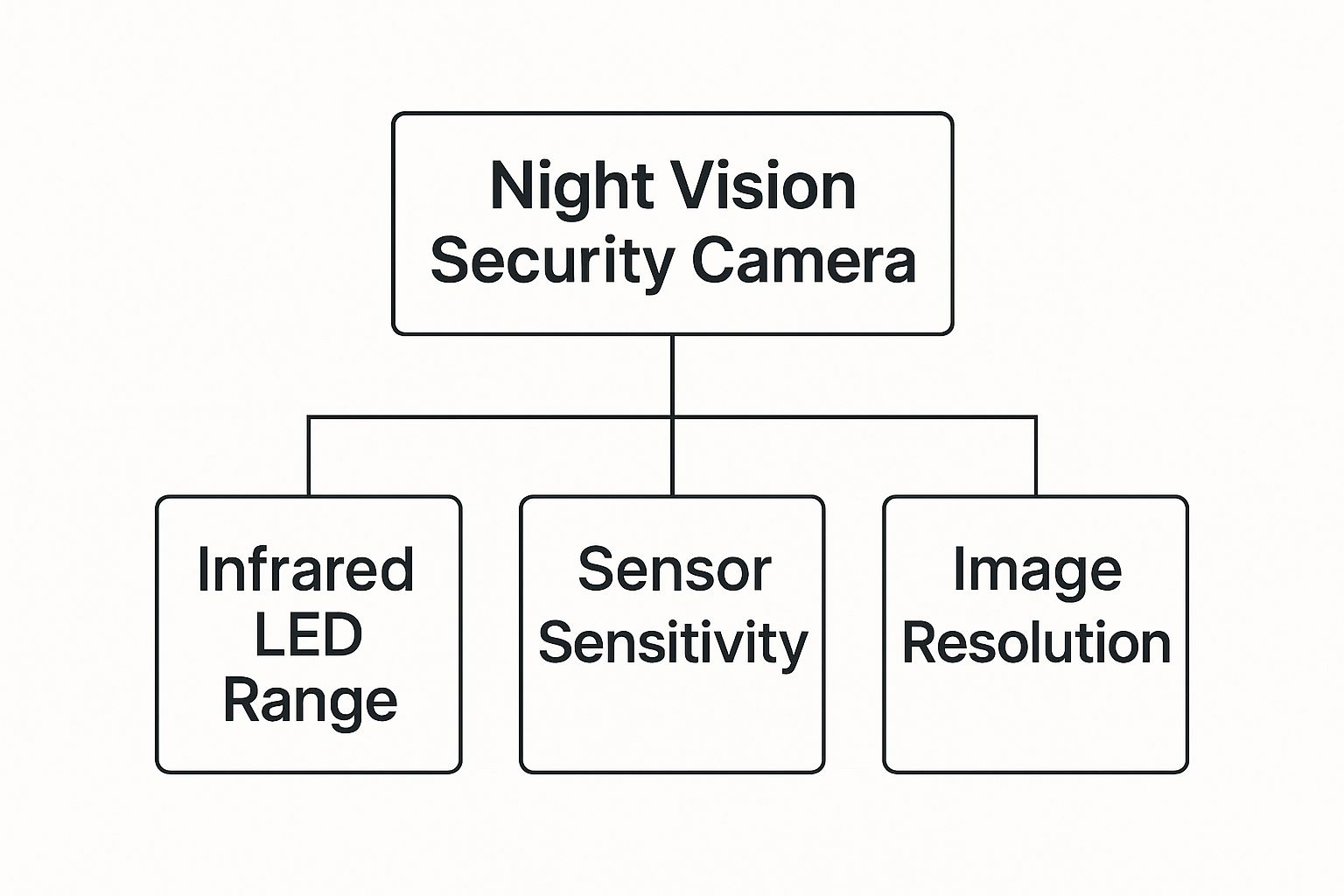
As you can see, great night vision is a careful balance of sensor quality, how far the illumination can reach, and the overall image resolution. Getting all three right is the key to clear, reliable video when it matters most.
Understanding Infrared Night Vision
When you think of night vision footage, you're probably picturing the classic, black-and-white view from a security camera. That's infrared (IR) technology at work. It's the most common and reliable type of security camera night vision out there, and for good reason. But how does it manage to see in total darkness?
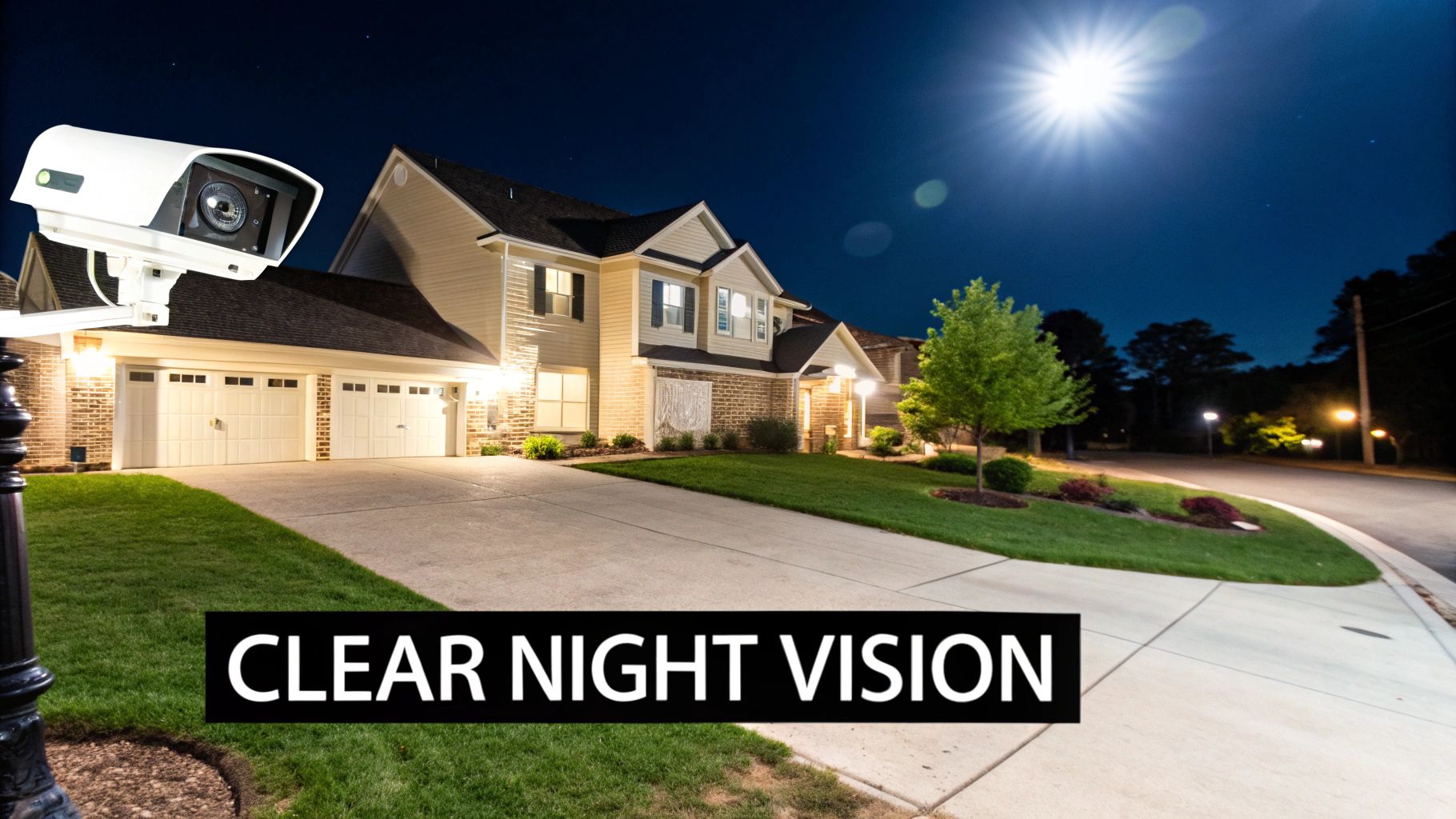
The secret is actually pretty simple: the camera brings its own invisible light source to the party. Think of it like a flashlight that your eyes can't see. Cameras with IR night vision are built with a ring of small infrared LEDs around the lens. As soon as it gets dark, these LEDs kick on and bathe the area in infrared light—a wavelength that's invisible to us but perfectly clear to the camera's sensor.
This isn't about amplifying faint moonlight; the camera is creating its own illumination from scratch. That’s what makes it so effective for true 24/7 monitoring, whether you're watching over your backyard or a business after hours.
The Magic of the IR Cut Filter
For this all to work, the camera needs a little gatekeeper for light. This component is called the IR cut filter, a tiny mechanical piece of glass that sits between the lens and the image sensor. Its job is crucial.
During the day, the filter is active, blocking all that infrared light from hitting the sensor. Why? Because IR light messes with daylight colors, making things like green grass or black asphalt look off. The filter ensures you get rich, true-to-life colors while the sun is out.
But as daylight fades, the camera's light sensor notices. You might even hear a faint "click" from the camera—that's the sound of the IR cut filter physically moving out of the way as the IR LEDs switch on. With the filter gone, the sensor can now see the infrared light, and your view switches from color to that crisp, monochrome night vision.
Decoding the IR Range Specification
When you’re shopping for cameras, you'll see specs like "IR Range: 100 feet" or "Night Vision up to 30m." This number is just telling you how far the camera's invisible flashlight can reach.
Take this number with a grain of salt, though. That range is typically measured under ideal conditions.
Key Takeaway: A camera with a 100-foot IR range will give you a clear, identifiable image of a person up close, but at the 100-foot mark, that same person might just be a blurry shape. For actually identifying what's going on, it's smart to pick a camera with an IR range that's 20-30% greater than the farthest spot you need to see clearly.
Preventing a Common Issue: IR Glare
One of the most frequent headaches with IR night vision is something called IR glare or "white-out." This happens when the powerful infrared light hits a nearby surface and bounces straight back into the lens, completely overwhelming the sensor. The result is a useless, blown-out image where you can't see a thing.
This is a classic problem when cameras are mounted under an eave, too close to a wall, or aimed through a window. Even heavy rain, snow, or a spiderweb can cause it.
Luckily, you can easily avoid this with smart placement.
Mind Your Angles: Make sure there are no immediate surfaces, like a downspout or soffit, right in the camera's line of sight.
Keep it Clean: Wipe the lens cover with a microfiber cloth every so often. Dust, grime, and spiderwebs are notorious for reflecting IR light.
Avoid Windows: Never, ever point an IR camera out through a window from inside. The glass will reflect the IR light right back at the camera, creating a perfect white blob. If you need to see outside, the camera has to be mounted outside.
By understanding how infrared works—and knowing its few quirks—you can make sure your security system delivers clear, reliable footage when you need it most.
Seeing in Color When the Sun Goes Down
While traditional infrared gives you reliable black-and-white footage, a new generation of security camera night vision technology is bringing vibrant color to the darkest hours. This isn't some kind of magic trick; it's just really smart engineering that captures the crucial details that old-school IR systems completely miss.
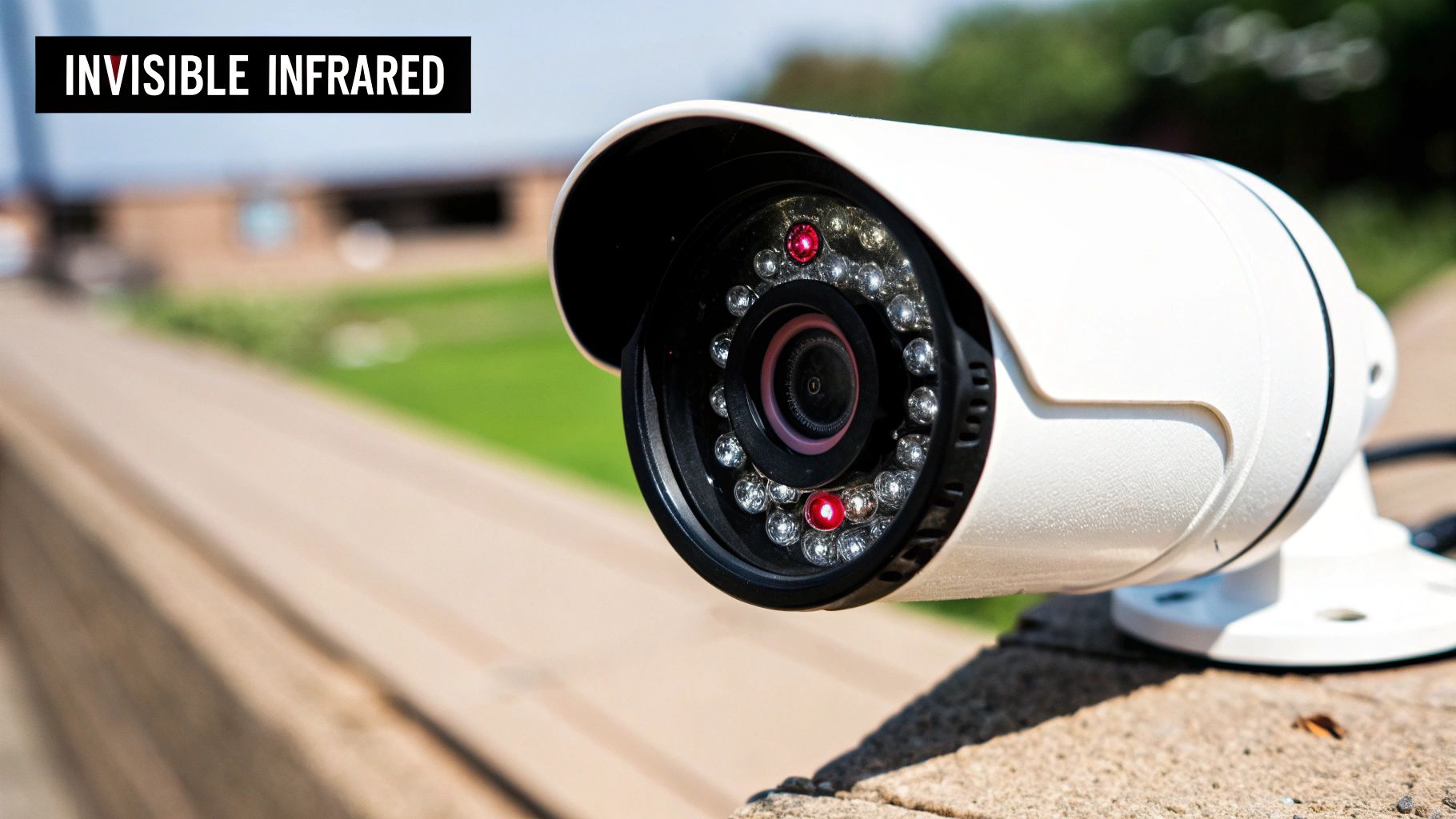
Think about it. Trying to describe an intruder’s shirt or the color of a getaway car from a grainy, monochrome video is practically impossible. Color night vision changes the game, making this kind of critical identification a real possibility. This technology works by making the camera's "eye" incredibly sensitive—far more powerful than our own—to produce detailed, full-color images that can make all the difference when you need to know what really happened.
How Cameras Create Color in Darkness
So, how do they pull this off? Color night vision is usually achieved through one of two methods, and the one your camera uses will directly impact its performance on your property. Knowing the difference is key to picking the right tool for the job.
The first method is all about hardware that’s extremely sensitive to even the tiniest bit of light. The second takes a more brute-force approach by simply adding its own light source.
Low-Light Sensor Technology: These cameras use exceptionally large image sensors and wide-aperture lenses. A good analogy is the camera's lens acting like a human pupil—the wider it opens, the more light it gathers. These specialized cameras can take faint ambient light from the moon, stars, or even a distant streetlight and amplify it to paint a full-color picture. They work wonders in places with at least a little bit of background light.
Built-in Visible Spotlights: Other cameras take matters into their own hands. They come equipped with small, white LED spotlights. When it gets dark, instead of switching on invisible IR illuminators, these cameras flood the scene with visible light, much like a motion-activated security light. This approach guarantees a bright, colorful image no matter how dark it is outside.
Key Insight: The true power of color night vision is in the details. Studies on eyewitness testimony have shown that color information dramatically improves our ability to recognize and remember objects. For security purposes, this means you can tell law enforcement that the suspect wore a red jacket or drove a blue car—specific, verifiable details that are completely lost in black-and-white.
The Real-World Pros and Cons
Seeing in color at night is a huge leap forward, but it's not without its trade-offs. It’s important to look at both sides of the coin before deciding if it's right for you.
Advantages of Color Night Vision:
Enhanced Detail for Identification: Capturing the specific colors of clothing, vehicles, or other objects gives law enforcement powerful evidence to work with.
Improved Context: Color video provides a much more natural and realistic view, making it easier to understand exactly what’s happening in the footage.
Better Facial Recognition: While it’s no substitute for a high-res daytime shot, color can help highlight identifying features that get flattened and lost in monochrome video.
Potential Limitations:
Ambient Light Requirement: Those super-sensitive low-light sensor cameras still need some light to work with. In absolute, pitch-black darkness, many will simply switch over to standard black-and-white IR mode.
Visible Light Can Sacrifice Stealth: A camera with a built-in spotlight is anything but subtle. The light immediately announces the camera's presence. While this can be a great deterrent, it also tips off an intruder that they're being recorded.
Potential for Light Pollution: A bright security spotlight shining all night might not make you popular with your neighbors, especially in tightly packed residential areas.
Ultimately, whether a color night vision system is right for you boils down to your property's specific environment and your security goals. If you have some ambient light and need the most detail possible, a low-light sensor camera is a fantastic choice. But if you want a camera that doubles as an active deterrent, a spotlight model might be the perfect fit.
How Thermal Cameras See Heat Signatures
While infrared and color night vision both depend on reflected light, another technology plays by a completely different set of rules. Thermal imaging doesn't see light at all. Instead, it visualizes the world through heat signatures, making it one of the most powerful forms of security camera night vision out there.
Think of it this way: every living thing—and even recently used objects like a car engine—is constantly giving off invisible heat. Thermal cameras have highly specialized sensors that pick up on these tiny differences in thermal energy, also known as infrared radiation. They then translate this heat data into a visual image called a thermogram, where warmer objects pop against cooler backgrounds.
This is a world away from IR night vision, which needs its own invisible flashlight to work. A thermal camera is completely passive; it just reads the heat that's already present.
Unmatched Performance in Challenging Conditions
Because thermal cameras detect heat instead of light, they have some truly unique advantages. They are completely immune to visual obstacles that would render other cameras useless.
A thermal camera can see with perfect clarity in absolute, pitch-black darkness where there’s zero ambient light. But its skills don't stop there. It can effectively cut through visual blockers that stop normal light in its tracks, such as:
Dense Fog and Smoke: Where a standard camera sees an impenetrable wall of white or grey, a thermal camera can still spot the heat signature of a person or vehicle right through it.
Heavy Rain and Snow: These conditions often create glare and blur for IR cameras, but thermal imaging remains largely unaffected.
Light Foliage: Someone hiding behind light brush or in a treeline might be invisible to the naked eye, but they'll show up as a clear heat signature on a thermal display.
This makes thermal technology a game-changer for high-security applications like monitoring the perimeter of large properties, industrial sites, or critical infrastructure. It delivers exceptionally reliable long-range detection that other systems just can't compete with.
Understanding the Trade-Offs for Home Use
Despite its power, thermal imaging isn't the right fit for every situation, especially when it comes to typical home security. The main reasons boil down to detail and cost.
A thermal camera excels at detection, not identification. It will tell you that someone is on your property from hundreds of yards away, but it won't show you who they are. The images simply lack the fine detail needed to capture faces or read license plates.
On top of that, the advanced sensors and processing power make thermal cameras significantly more expensive than their IR or color night vision cousins. For most homeowners, the cost is simply too high for the specific benefits they provide.
The rapid growth in surveillance technology reflects a global demand for better security. The global Night Vision Surveillance Camera market was valued at over USD 118.53 billion and is projected to reach approximately USD 137.97 billion in the following year. This market expansion, with North America leading the charge, is driven by adoption in public spaces and smart homes. You can explore the full research on night vision market trends for a deeper dive.
Ultimately, thermal imaging is a powerful and highly specialized tool. It's the gold standard for long-range detection in tough environments where spotting a threat early is the absolute top priority. For everyday home security, however, where identifying specific details is key, IR and color night vision systems usually offer a much more practical and cost-effective solution.
How AI Makes Night Vision Smarter
A great night vision system gives your security camera eyes in the dark, but it's the Artificial Intelligence (AI) that gives it a brain. Think of it this way: infrared and color technologies provide the raw footage, but AI is what actually interprets what the camera is seeing. It turns a simple recording device into a smart security partner.
We've all heard the stories—or experienced it ourselves—of older security cameras sending constant, useless motion alerts. A branch swaying in the wind, a passing car's headlights, or a stray cat would trigger a notification. This is "notification fatigue," and it's a real problem. People get so overwhelmed with false alarms that they start ignoring them or turn them off completely, which defeats the whole point.
AI-powered cameras fix this by learning what’s important. Instead of just reacting to any old pixel change, the software can tell the difference between a person, a car, and a raccoon.
From Motion Alerts to Smart Detection
This ability to filter out the noise is where AI completely changes the game for night vision security. The camera doesn't just see motion anymore; it understands what that motion is. The benefits are instant and obvious.
Person Detection: You can set the camera to alert you only when it sees a human shape. This is perfect for watching over entrances or your backyard at night.
Vehicle Detection: Want to know if a car pulls into your driveway after 10 PM? You can set up an alert for that, without getting a notification every time a squirrel scampers across the pavement.
Package Recognition: Some of the more advanced cameras can even tell when a package has been delivered. You'll get a specific alert, giving you peace of mind that your online orders are safe.
This kind of precision drastically cuts down on false alarms. When your phone buzzes in the middle of the night, you know it’s for something that actually needs your attention.
AI doesn't just reduce unwanted notifications; it adds context to what the camera sees. By classifying objects, it gives you meaningful information, allowing you to react faster and more appropriately to potential security events.
To really see the difference, it helps to compare the two side-by-side. Standard cameras are great at capturing video, but they lack the brainpower to understand it. AI adds that critical layer of intelligence.
Standard Motion Alerts vs AI Detection
Feature | Standard Night Vision Camera | AI-Enhanced Night Vision Camera |
|---|---|---|
Alert Trigger | Any pixel change (shadows, headlights, animals) | Specific objects (people, vehicles, packages) |
Notification Quality | High volume of false alarms | Highly relevant, actionable alerts |
Context | "Motion Detected" | "Person Detected in Backyard" |
User Experience | Can lead to "notification fatigue" and ignored alerts | Reliable notifications you can trust |
Proactive Security | Mostly reactive; records events | Can trigger specific actions like spotlights or sirens |
As you can see, AI-powered alerts are far more useful. You're not just getting a notification; you're getting valuable information that helps you make a smart decision, fast.
The Future Is Intelligent Surveillance
AI isn't just a minor upgrade; it represents a fundamental shift in how security cameras work. The market trends back this up—the global night vision surveillance camera market, valued at USD 163.11 billion, is expected to jump to around USD 199.49 billion in the next year. You can dive deeper into the market impact of AI on night vision cameras to see just how fast this is all moving.
Features once reserved for expensive commercial systems are now becoming common in home security. For instance, you can now draw a specific "intrusion zone" on your screen and have the camera trigger a spotlight or an audible alarm only when a person steps into that area. This makes your security system proactive, not just reactive.
Ultimately, by pairing intelligence with excellent night vision, AI makes your entire security setup smarter, more reliable, and infinitely more useful.
Choosing and Installing Your Camera
Alright, now that you have a solid grasp of how different night vision technologies work, it's time to put that knowledge into practice. Moving from theory to action means picking the right camera for your property and installing it correctly. Honestly, getting these practical steps right is just as important as the tech inside the camera.
It all starts with matching a camera’s features to what you actually need to see. Key specs like range, resolution, and field of view aren't just numbers on a box; they directly determine how well your security camera night vision performs in the real world. Thinking this through now will save you from disappointment later.
Key Specifications to Consider
Trying to decipher a product page can feel overwhelming, but only a few core specs truly define how a camera will work for you. Let's cut through the noise and focus on what matters.
Night Vision Range: This number tells you how far the camera's built-in infrared lights can reach. A word of caution, though: take this with a grain of salt. A camera advertised with a 100-foot range might detect movement way out there, but it won’t give you a clear, identifiable picture. A good rule of thumb is to pick a camera with a range that’s at least 20% longer than the farthest spot you need to see clearly. This buffer ensures you get usable detail where it counts.
Resolution (1080p vs. 4K): It's simple—higher resolution means a sharper image. A 4K camera is incredible at capturing small details like facial features or license plate numbers from a distance, blowing a standard 1080p camera out of the water. But that extra clarity has a trade-off. 4K video files are massive, so you’ll need a lot more storage space and a robust Wi-Fi network to handle the data.
Field of View (FoV): This is just a measurement, in degrees, of how wide the camera's viewing angle is. A wide FoV, like 130°, is perfect for monitoring a big open area like a backyard. On the other hand, a narrower FoV is better for zeroing in on a specific chokepoint, like your front door or a gate.
Smart Installation for Optimal Performance
Even the most expensive camera is useless if it's installed poorly. Strategic placement is everything—it maximizes what you can see while minimizing common headaches like glare or tampering. While a DIY setup is definitely achievable, sometimes calling in a pro is the smarter move. For companies offering professional security system installation, for instance, specialized local marketing helps them reach homeowners who need that expert touch.
Whether you hire someone or tackle it yourself, these tips are non-negotiable for a successful setup.
Crucial Tip: The number one killer of good night vision footage is IR glare. This is that frustrating "white-out" effect you sometimes see. It happens when the camera's own infrared light bounces off a close-by surface—like a soffit, a windowsill, or even heavy raindrops—and blows out the image. The only fix is smart placement.
Top Installation Practices:
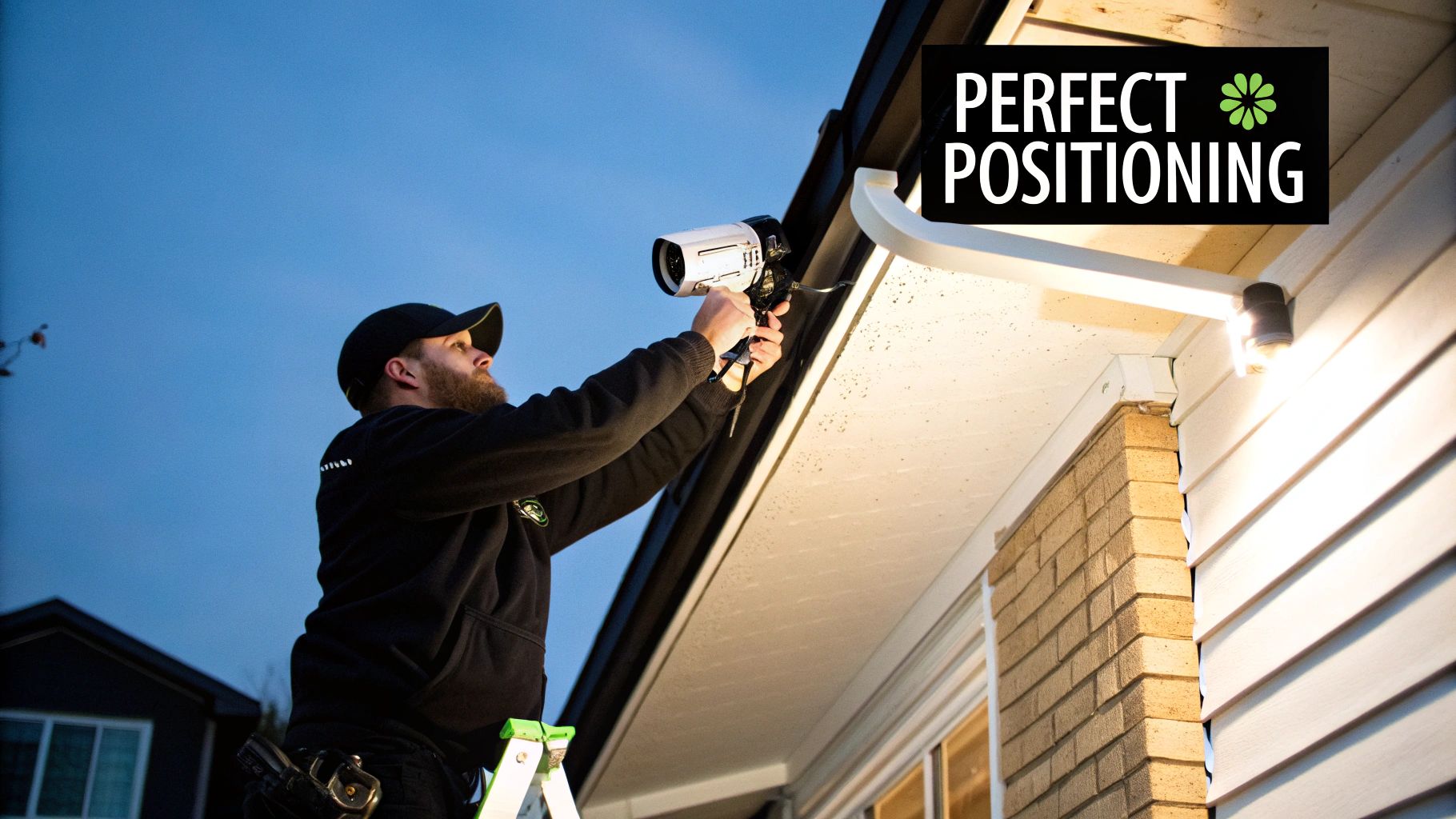
Position for Protection: Mount your camera high enough to be out of casual reach, usually around 8-10 feet off the ground. This keeps it safe from being knocked down or disabled, but it's still low enough to capture faces instead of just the tops of people's heads.
Avoid Reflective Surfaces: This is a big one. Never point a camera directly at a wall or place it right under a low overhang where the IR light can bounce straight back into the lens. And absolutely do not put an IR camera inside looking out a window. The glass will act like a mirror for the infrared light, and you'll see nothing but a bright, blurry mess.
Ensure a Reliable Power Source: If you're using a wired camera, make sure every connection is secure and protected from the weather. For battery-powered models, install them where you can easily get to them for a recharge. Better yet, think about adding a solar panel accessory for maintenance-free power. After all, a dead camera provides zero security.
Common Questions About Night Vision Security
Even after you get a handle on the technology, a few practical questions always pop up. Let's tackle some of the most common ones I hear from people trying to get their security camera's night vision just right.
Can Security Cameras See in Total Darkness?
Yes, but it really boils down to the specific camera you're using.
Cameras with infrared (IR) or thermal imaging are built for this exact scenario. They work perfectly in pitch-black conditions. An IR camera essentially brings its own invisible flashlight, while a thermal camera sees the heat that people, animals, and vehicles give off.
Color night vision cameras are a different story. They need at least a little bit of ambient light to work their magic—think moonlight, a porch light down the street, or even decorative landscape lighting. If it's completely dark, these cameras will almost always switch over to a standard black-and-white IR mode.
Why Is My Night Vision Image So Blurry?
A blurry, hazy, or foggy image at night is almost always the result of IR reflection. You might also hear this called IR glare. It happens when the camera's own infrared light bounces off a nearby surface and washes out the lens.
The usual suspects? A wall, a soffit, a windowsill, or even heavy rain or snow.
Expert Tip: One of the simplest yet most overlooked fixes is just cleaning the lens cover. Dust, fingerprints, and especially spiderwebs are notorious for catching that IR light and creating a blurry mess. A quick wipe with a microfiber cloth can make a world of difference.
Often, all you need to do is reposition the camera. Try angling it slightly away from any close-up surfaces. Sometimes, a tiny adjustment is all it takes to go from a blurry mess to a crystal-clear view.
Does Night Vision Work Through Glass Windows?
This is a big one: no, standard IR night vision does not work through glass. The infrared light from the camera’s LEDs hits the window and reflects straight back into the lens. The result is a bright, whiteout glare where you can't see anything outside.
It's a common mistake people make when setting up their first system. If you absolutely need to monitor an outdoor area from inside, the only real solution is to mount the camera on the exterior of the building. Pointing a camera with security camera night vision out a window at night just won't give you the footage you need.
At PCI Audio-Video Security Solutions, we specialize in designing and installing surveillance systems that perform flawlessly, day or night. Contact us today to ensure your property is protected with the right technology.
Comments