


A Guide to Security Cameras for Retail Stores
- Бонус за регистрацию онлайн казино
- Aug 2, 2025
- 16 min read
When you think about security cameras for retail stores, the first thing that probably comes to mind is catching shoplifters. That's definitely a big part of it, but if that’s all you’re using them for, you’re missing out on a huge opportunity. Modern surveillance systems have become incredibly powerful business intelligence tools.
Why Modern Cameras Are More Than Just Security
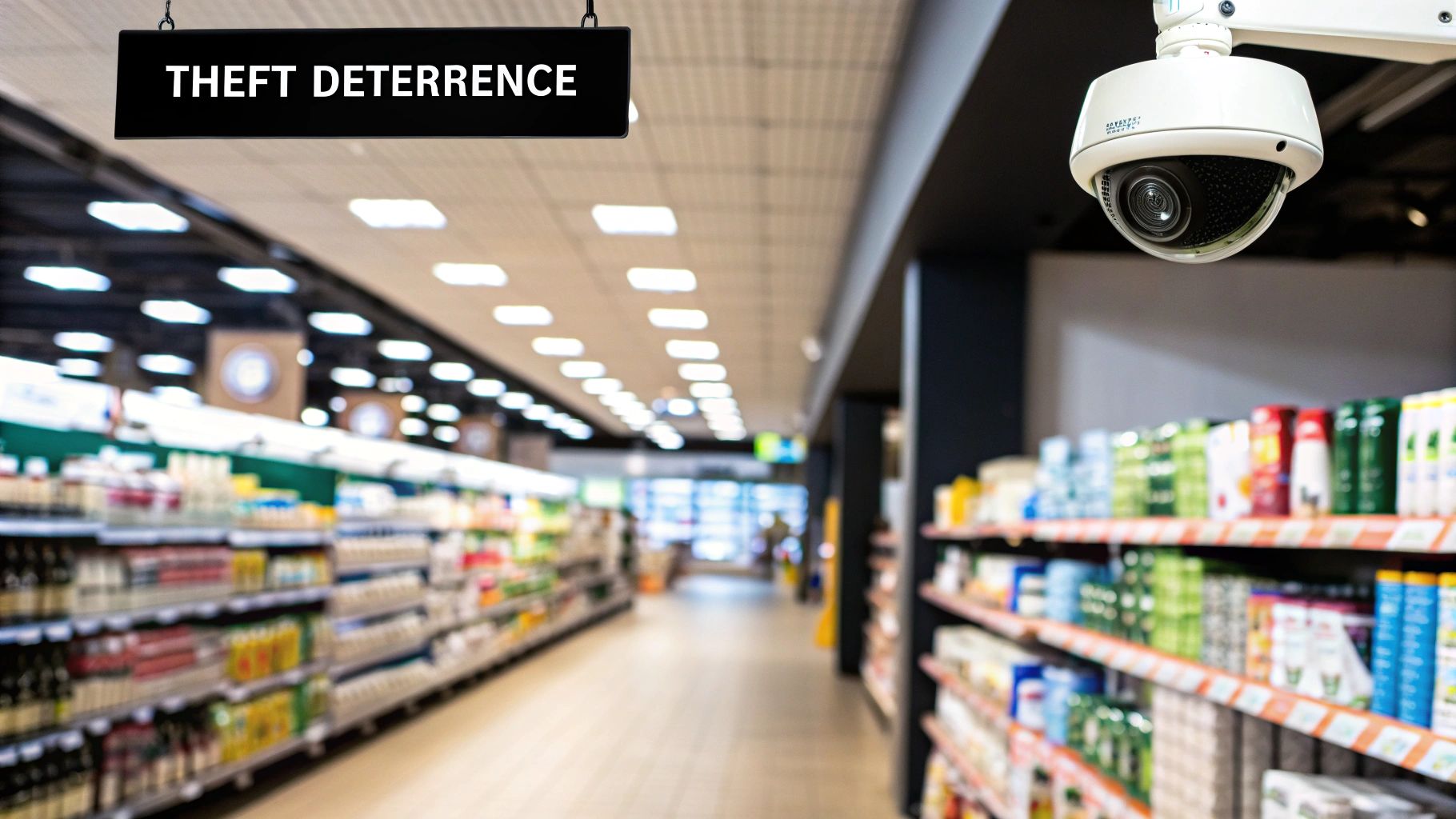
These days, the right camera system is less of a defensive cost and more of a proactive investment—one that can deliver real, measurable returns across your entire operation. I've seen countless retailers use their systems to do more than just stop theft; they’re resolving liability claims, making customers feel safer, and even fine-tuning store layouts to boost sales.
This evolution is why the market is booming. The global retail security system market was valued at around USD 7.3 billion in 2023 and is on track to hit USD 14.6 billion by 2032. That kind of growth shows just how essential this technology has become. For a deeper dive into these trends, you can check out the analysis on Dataintelo.com.
Unlocking Operational Value
Viewing your cameras only as an anti-theft tool is like owning a smartphone and only using it to make calls. You're leaving so much value on the table. Think of your system as a silent partner, tirelessly observing every corner of your store, 24/7, and collecting invaluable data.
Here are a few real-world examples of how modern cameras deliver much broader benefits:
Dispute Resolution: A customer claims they slipped and fell. With clear video footage, you can instantly see what really happened, protecting your business from fraudulent claims and saving a fortune in potential legal fees.
Operational Efficiency: Are your checkout lines a nightmare between 4 PM and 6 PM? Are your staff consistently following opening and closing protocols? The footage gives you objective answers, helping you streamline day-to-day tasks.
Customer Experience: Analytics can show you exactly where customers go, what displays they stop at, and which parts of your store are basically dead zones. This insight is gold for optimizing product placement and improving the overall shopping journey.
A camera system's primary job might be security, but its ability to provide business intelligence is what truly sets it apart. Here’s a quick breakdown of what a modern system really does for a retailer.
Function Area | Primary Benefit | Example Application |
|---|---|---|
Loss Prevention | Reduces theft from both shoplifters and internal sources. | Identifying and documenting a shoplifter concealing merchandise. |
Liability & Safety | Protects against false claims and ensures a safe environment. | Verifying the details of a slip-and-fall incident. |
Operational Oversight | Improves employee performance and adherence to procedures. | Confirming staff are following cash handling protocols. |
Business Intelligence | Gathers data on customer behavior and store traffic. | Using heatmaps to redesign an underperforming aisle. |
This table illustrates the journey from a simple security measure to a comprehensive business tool.
A well-placed camera system does more than deter crime; it provides the operational insights needed to run a smarter, safer, and more profitable retail business.
Ultimately, installing security cameras for retail stores is about creating an environment that is not just secure, but also functions more intelligently. It's this powerful combination that makes a modern system one of the best investments a retailer can make today.
How to Assess Your Store's Unique Security Needs
Before you even think about looking at a single camera, you need a security blueprint. I’ve seen it time and time again: a store owner rushes into buying hardware, only to end up with frustrating blind spots or a system loaded with expensive features they don't actually need.
Think about it—a tiny jewelry boutique has completely different security challenges than a massive supermarket. A one-size-fits-all approach just doesn't work. The most important thing you can do is start with a thoughtful assessment of your own space.
This process starts with a simple walkthrough. But you need to change your perspective. Look at your store through the eyes of a shoplifter, a disgruntled employee, or even just a customer who might have a slip-and-fall accident. Thinking through effective risk management strategies first will help you pinpoint the specific vulnerabilities in your store's layout and daily operations.
Identifying Your High-Risk Zones
Every retail store, no matter the size, has hot spots where trouble is most likely to brew. Your first mission is to map these areas out. This isn't just a mental exercise; physically sketch it out or make a list. This priority list will become your guide for camera placement down the road.
Start with these critical locations:
Entrances and Exits: This one is non-negotiable. You need a clear shot of every person who comes in or goes out. That includes the main entrance, of course, but also back doors, employee entrances, and delivery bays.
Points of Sale (POS): Your cash wrap is ground zero. It's where you'll see transaction fraud, quick-grab thefts, and internal issues like "sweethearting"—when an employee gives their friend an unauthorized discount.
High-Value Merchandise: Walk your aisles. Where are the expensive electronics, the designer handbags, or the premium liquor? Any area with high-ticket items needs its own dedicated camera.
Stockrooms and Offices: Don't forget the back of the house. These areas are prime spots for internal theft, where inventory can quietly vanish before it ever hits the sales floor.
Parking Lots and Perimeters: Your responsibility extends beyond your four walls. Covering the parking lot can deter vehicle break-ins and give you crucial evidence if an incident happens on your property.
Defining Your Primary Security Concerns
Once you've mapped your hot spots, get specific about what you're trying to prevent. Is your main headache organized retail crime gangs, or is it casual teenage shoplifting? Maybe your biggest losses come from internal theft, which accounts for a massive chunk of retail shrink nationwide. You can't ignore the internal threat.
Ask yourself this simple question: "If an incident happened right now, what information would I desperately need the video to show me?"
The answer to that question changes everything.
For instance, if you're worried about someone passing a counterfeit $100 bill, you need a high-resolution camera aimed directly at the cash drawer. But if your main fear is an after-hours break-in, you’ll need a camera with great night vision and motion-triggered alerts sent straight to your phone.
Getting this level of clarity is what moves you from a vague desire ("I need cameras") to a concrete plan ("I need a 4K dome camera with a clear, tight shot of each POS terminal"). This focus ensures you invest in a system that actually solves your real-world problems.
Choosing the Right Types of Security Cameras for Your Store
When it comes to selecting security cameras for retail stores, the sheer number of options can feel like a maze. But it really just comes down to a simple, practical idea: use the right tool for the right job. You wouldn't use a tiny dome camera to monitor a massive parking lot any more than you'd install a huge, overt camera right over a fitting room. It’s all about matching the hardware to the specific needs of each space in your store.
Getting this right is more important than ever. The demand for smart, effective security is surging, with the global surveillance camera market expected to jump from USD 43.65 billion in 2024 to a staggering USD 81.37 billion by 2030. This isn't just about more cameras; it's about smarter, more specialized security. You can dig into the data behind this trend in the full analysis from Grand View Research.
Common Camera Types and Their Retail Roles
So, where do you start? Let's talk about the most common cameras you'll encounter and where they shine in a retail setting.
Dome Cameras: For most indoor areas, dome cameras are my first recommendation. They’re discreet, blend right into the ceiling, and provide excellent, wide-angle coverage. This makes them perfect for sales floors, checkout counters, and other general spaces where you want visibility without making shoppers feel uneasy.
Bullet Cameras: When you need a visible deterrent, bullet cameras are the answer. Their distinct shape signals that the area is monitored. I place these at all entry and exit points, loading docks, and facing the parking lot. They're built tough to handle the weather and are great for focused coverage over longer distances, like capturing license plates.
Pan-Tilt-Zoom (PTZ) Cameras: For large, open areas like a big-box sales floor or a busy stockroom, Pan-Tilt-Zoom (PTZ) cameras give you active control. An operator can remotely pan across the room, follow a person of interest, or zoom in to get a clear look at a specific incident as it’s happening. They’re a powerful tool for real-time response.
To make this even clearer, I've put together a quick comparison table to help you visualize which camera fits where.
Camera Type Comparison for Retail Stores
This table breaks down the most common camera types, highlighting where they work best and what to keep in mind when choosing.
Camera Type | Best For | Key Advantage | Consideration |
|---|---|---|---|
Dome Camera | General indoor surveillance (sales floors, POS) | Discreet, wide coverage, vandal-resistant | Limited zoom, less of a visual deterrent |
Bullet Camera | Outdoor monitoring (entrances, parking lots) | High visibility acts as a deterrent, weatherproof | More obvious, can be a target for vandalism |
PTZ Camera | Large open areas, active monitoring | Operator can track movement and zoom in | Higher cost, requires active monitoring to be effective |
Turret Camera | Indoor/outdoor with IR needs (entrances, hallways) | Easy to aim, less glare from infrared (IR) | Less discreet than a dome camera |
Choosing the right mix is key. A typical retail setup might use domes for the main floor, bullets at the doors, and maybe a PTZ camera covering the high-value merchandise area.
Expert Tip: Think of it this way: Domes are for general observation, bullets are for deterrence and focused monitoring, and PTZ cameras are for active pursuit. The best security plans I’ve seen almost always use a combination of all three to cover their bases.
This visual guide can also help you understand the relationship between camera specs and what you actually see.
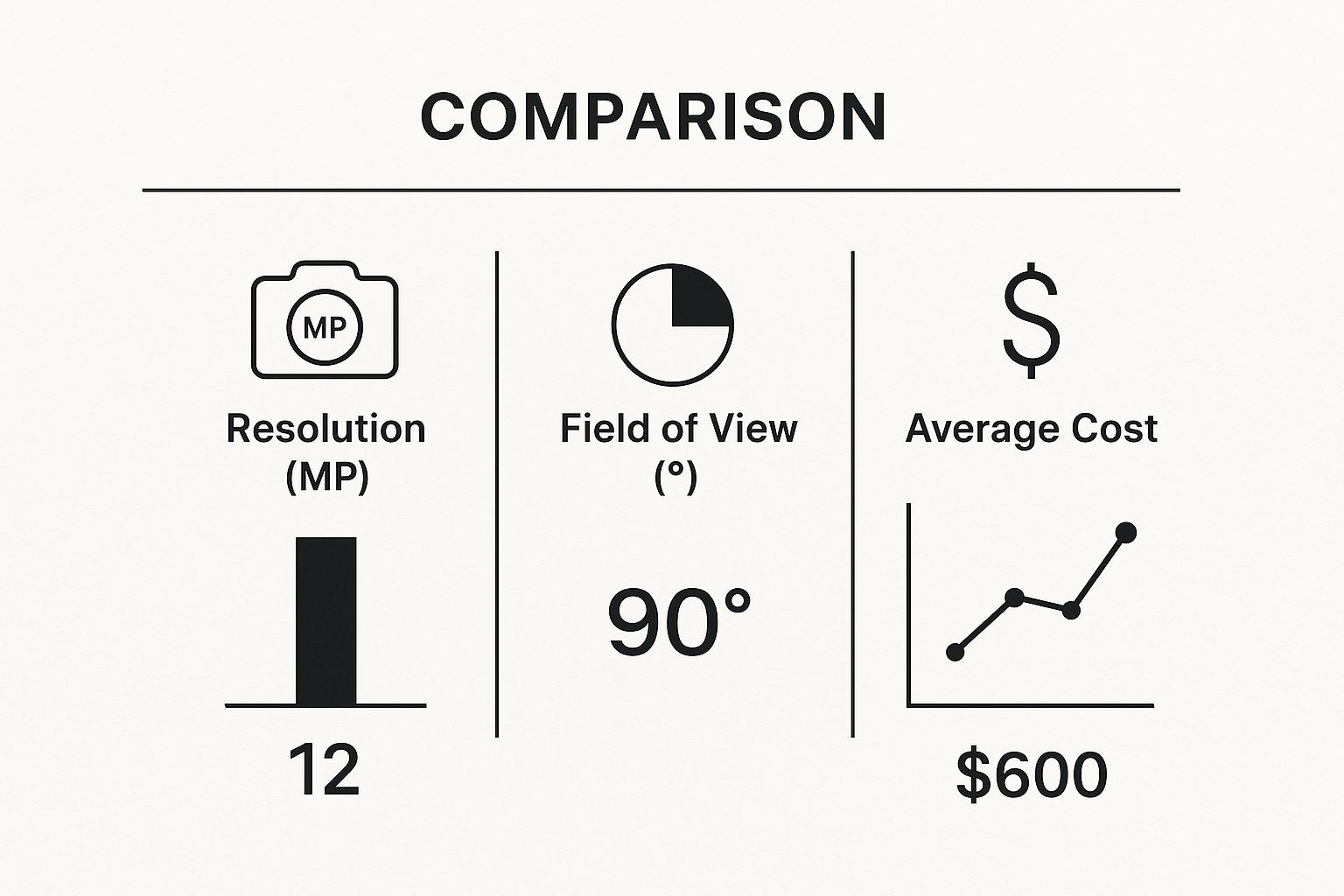
As you can see, there are always trade-offs. A camera with super high resolution might give you a crystal-clear image, but it could come with a narrower field of view and a higher price tag. This is why planning your camera placement first is so critical.
Wired vs. Wireless Systems
One of the fundamental decisions you'll make is whether to install a wired or wireless camera system. This choice has big implications for cost, installation, and day-to-day reliability.
Wired systems are the bedrock of professional security. The cameras are physically connected with cables to a central recording device, like a Network Video Recorder (NVR). The connection is rock-solid—it’s not going to drop because the Wi-Fi is acting up. The downside? Installation can be a real project, involving drilling holes and running cables through walls and ceilings, which adds to the initial cost.
Wireless systems, on the other hand, offer fantastic flexibility. Installation is a breeze since there are no video cables to run. This makes them a great fit for buildings where you can’t easily drill into walls, like historic properties, or for temporary setups like a holiday pop-up shop. The catch is that they are completely dependent on your Wi-Fi network. A spotty signal means choppy video or, even worse, a lost connection, leaving you with a major blind spot.
For the most critical spots in a store—think cash registers, safes, and main entrances—I always advocate for the stability of a wired connection. It’s simply not worth the risk.
Decoding Key Camera Features and Technology
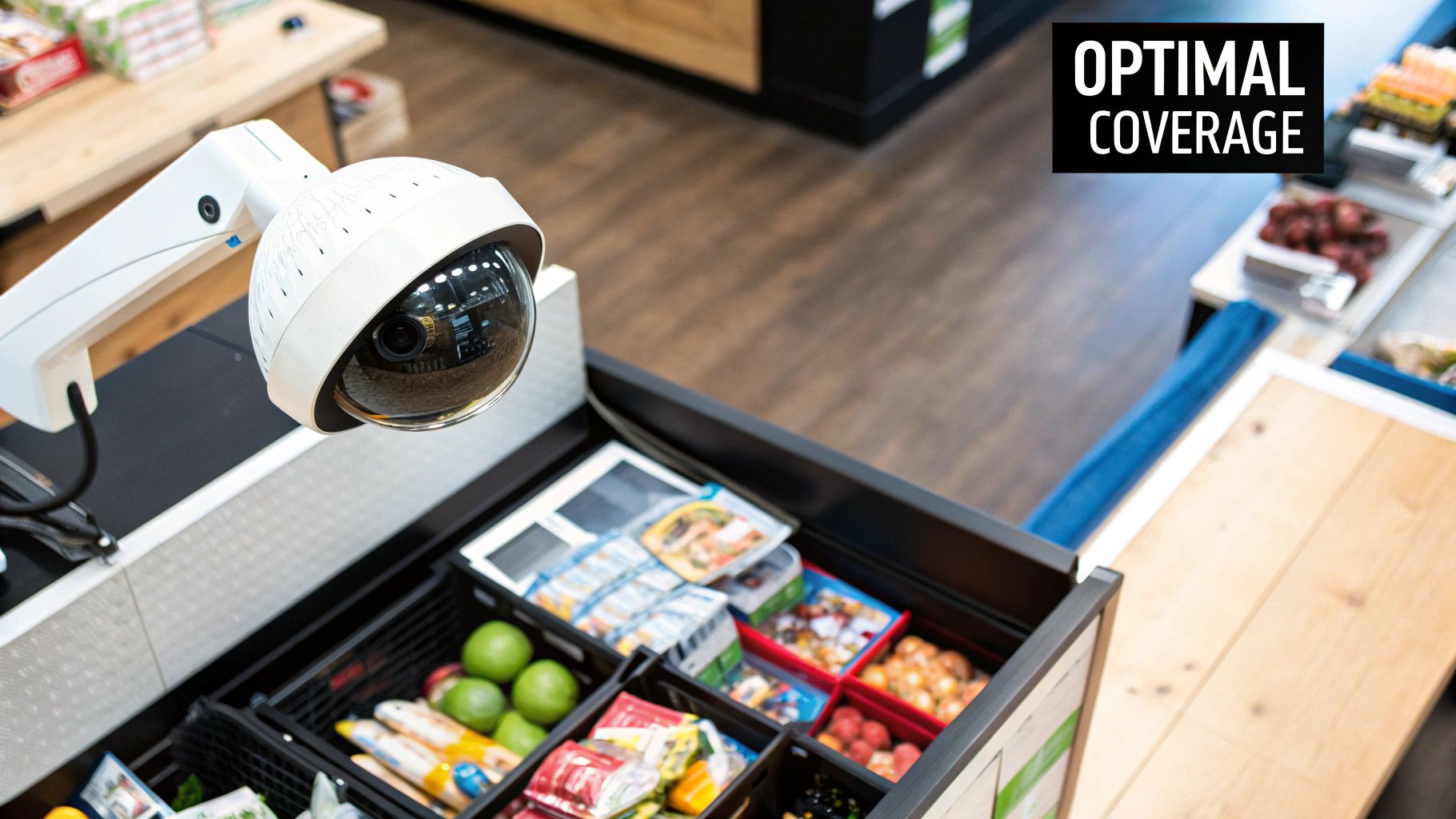
Diving into the technical specs of security cameras for retail stores can feel like you're trying to learn a new language. You'll hear words like megapixel, NVR, and AI analytics thrown around, but what do they actually mean for your store's security and your bottom line? Let's cut through the jargon and translate these features into real-world retail benefits so you can make a choice with confidence.
The first spec everyone talks about is resolution. It’s easy to assume that 4K is always the best option, but for many areas in a retail store, it's simply overkill. A standard HD (1080p) camera gives you plenty of clarity to monitor the sales floor or a stockroom and see what’s going on.
But for a few key hotspots, higher resolution isn't just a nice-to-have; it's essential.
Point of Sale (POS): A 4K camera pointed at your register is a game-changer. It can capture the denominations of bills being exchanged, which is invaluable for shutting down quick-change artists and easily verifying transactions.
Entrances and Exits: This is your best chance to get a clear, identifiable image of every single person who comes and goes. You don't want to leave that to a blurry, low-res camera.
Parking Lots: If you need to capture license plates, you absolutely need a 4K camera, ideally one with a good zoom lens. This is the kind of evidence that law enforcement can actually use.
Seeing Clearly in the Dark
Your store is often most vulnerable after you've locked the doors for the night. This is why a camera’s night vision capability is so critical. You'll typically find two main types.
Infrared (IR) night vision is the classic black-and-white footage you're probably familiar with. It uses built-in IR illuminators to bathe the area in light that’s invisible to the human eye, providing clear video even in pitch-black conditions. For most general after-hours monitoring, it’s a reliable and budget-friendly choice.
Color night vision is a newer technology that uses extremely sensitive sensors to pull in any available ambient light—from streetlights, exit signs, or decorative lighting—to produce a full-color image. The advantage here is massive. Identifying the color of a suspect's jacket or getaway car can be the one detail that helps police crack a case.
A camera’s ability to capture clear footage after hours is just as important as its daytime performance. Choosing between IR and color night vision depends on whether you need general monitoring or specific identifying details.
Storage Solutions: Where Your Footage Lives
All that video footage has to go somewhere, and your choice here will impact cost, accessibility, and security. On-site recorders, like a Network Video Recorder (NVR), are the professional standard. These devices store terabytes of footage locally on hard drives, giving you instant access without monthly subscription fees.
Cloud storage, on the other hand, uploads your video to a secure server online. This is a huge benefit because it protects your evidence from being destroyed or stolen if a burglar targets your back office. Many modern systems now offer a smart hybrid approach—storing a full history on a local NVR while automatically backing up critical motion events to the cloud.
The Rise of AI-Powered Analytics
This is where modern security cameras really start to work for your business beyond just security. AI-powered features are turning cameras from passive recorders into active business intelligence tools. This trend is a huge factor in why the global security camera market is projected to grow by USD 3.85 billion between 2025 and 2029, with AI leading the way. These features help you understand what’s happening in your store with incredible efficiency. You can discover more about this market transformation from Technavio and see how analytics are changing the industry.
Here are a few AI features to look for:
Person and Vehicle Detection: This is a must-have. It stops you from getting endless false alerts from blowing leaves or stray animals, so when you do get a notification, you know it matters.
Heat Mapping: See exactly where customers spend the most time in your store. This is pure gold for optimizing your store layout, testing product displays, and making smarter merchandising decisions.
Unusual Activity Detection: The system learns the normal rhythm of your business—people arriving in the morning, delivery trucks at certain times. It can then flag events that fall outside that pattern, like a car loitering in the parking lot long after closing.
Strategic Camera Placement for Maximum Coverage
Choosing the right security cameras for retail stores is only half the battle. A top-of-the-line 4K camera is pretty much useless if it’s pointed at a stockroom wall. After working on hundreds of retail installations, I can tell you that where you put the camera is just as crucial as the technology inside it. The real goal is to create a seamless web of observation, catching everything without making your ceiling look like a science experiment.
So, where do you start? Before you drill a single hole, you need to create a mental map of your store's most critical zones. Put on your security hat and ask yourself: where are we most vulnerable? The answer to that question will guide every placement decision you make.
Mapping Your Critical Zones
Every shop has predictable hotspots for theft and other incidents. These are the areas you absolutely must cover, often with overlapping fields of view so nothing slips through the cracks.
Here are the non-negotiable zones that need top priority:
Entrances and Exits: Every single door needs a camera. That means customer entrances, employee-only doors, and all delivery bays. I always recommend placing one camera inside looking out and another outside looking in. This setup ensures you get a clear shot of every person's face as they come and go.
All Transaction Points: Your cash registers are magnets for trouble. You need a tight, clear shot of every Point of Sale (POS) terminal. This helps you monitor transactions, catch employee "sweethearting," and quickly resolve any cash handling disputes that pop up.
High-Value Merchandise Aisles: Think about your most expensive products—is it electronics, jewelry, designer bags? These areas need their own dedicated surveillance. Often, a single wide-angle dome camera mounted overhead can watch over an entire high-value section.
Stockrooms and Back Offices: A painful truth of retail is that internal theft accounts for a huge portion of losses. Placing cameras in your storage areas, back offices where cash is handled, and receiving docks is non-negotiable for real inventory control.
Common Placement Mistakes to Avoid
Knowing where not to place your cameras is just as important. I’ve seen so many well-intentioned but flawed setups that cripple an otherwise great security system.
One of the most common errors I see is placing cameras way too high. It seems logical—get a broad view, right? But if you mount a camera more than 10-12 feet up, you lose the ability to capture identifiable facial features. That footage won't do you much good when it's time to identify a suspect.
Another frequent misstep is completely ignoring the environment. Point a camera straight at a big window, and what do you get? Glare all day, which turns people into useless silhouettes. Poor lighting is another killer, compromising even the best night vision cameras. It's not just about the cameras; the surrounding environment is key. You might want to review some tips for selecting proper commercial lighting fixtures to make sure your cameras can always capture clear footage.
Finally, don't create a system full of gaps. You want to be able to track a person from the moment they enter your property to the moment they leave. This means positioning your cameras so their fields of view have a slight overlap. It creates a smooth handoff from one camera to the next as someone moves through your store, leaving no place to hide.
Keeping Your System Running and Staying on the Right Side of the Law
Getting your security cameras for retail stores up and running is a huge step, but the job isn't over. A security system isn't a "set it and forget it" tool. To get the most out of your investment and keep your business protected, you need a plan for ongoing management and a solid grasp of the legal rules.
Think of it this way: your camera system is only as good as its weakest link. A dirty lens, a hard drive that’s run out of space, or a camera that's been knocked out of position can make your footage useless right when you need it most. While this guide is tailored for retail, the core ideas behind system maintenance are pretty universal. If you want a deeper dive into the nuts and bolts, this guide on installing a complete security system is a great resource for foundational knowledge.
A Quick Maintenance Checklist
You don't need to be a tech wizard to keep your system in top shape. Just a few minutes each month can prevent massive headaches later.
Wipe Down the Lenses: Dust, smudges, and even spiderwebs can turn a high-definition view into a blurry mess. A quick wipe with a microfiber cloth makes all the difference.
Check Your Angles: Have any cameras been bumped or shifted? Make sure they’re still pointed exactly where you need them, covering those key areas you identified during planning.
Spot-Check Your Recordings: The worst time to find out your system isn't recording is after an incident. Pull up the feed from each camera and make sure it’s actually saving clear footage.
Look at Your Storage: If you're using a local NVR, is the hard drive getting full? For cloud storage, check that your plan is active and you have plenty of space left.
Who Gets to Watch? Access and Compliance
The hardware is only half the battle. You absolutely need to control who can view the footage and ensure you're following the law. Without strict rules, you open yourself up to everything from employee misuse to serious legal trouble.
Create a simple, written policy that spells out who can view live and recorded video. This shouldn't be a free-for-all. Limit access to a very small circle of trusted people—maybe the owner, a general manager, or a designated loss prevention specialist.
A clear access policy isn't just bureaucratic red tape. It's essential for protecting employee and customer privacy, which in turn protects your business from liability.
Finally, you can't afford to ignore the legal side of things. Surveillance laws change depending on your state and even your city, but one rule is practically universal: you have to tell people they're being recorded.
Post clear, easy-to-see signs at every entrance announcing that video surveillance is active. This simple act is more than just a legal checkbox; it's a powerful deterrent. And, most importantly, respect privacy. Never, ever place cameras in areas where people have a reasonable expectation of privacy. This means keeping them out of restrooms, employee break rooms, and fitting rooms. Installing cameras in these places is a massive breach of trust and illegal in most jurisdictions. By managing your system with care and respecting legal boundaries, your cameras will remain a valuable asset, not a costly liability.
Answering Your Top Questions About Retail Security Cameras
When you're looking to install or upgrade a security system, a few key questions always come up. It's completely normal. Getting straight answers to these practical concerns is the first step toward making a smart, confident investment in your store's safety. Let's walk through some of the most common questions we hear from retailers.
How Long Should a Retail Store Keep Security Footage?
For most stores, holding onto video footage for 30 to 90 days hits the mark. This timeframe is usually more than enough to spot an issue, pull the relevant clips, and investigate things like shoplifting, employee theft, or a slip-and-fall claim.
Of course, the perfect retention period for you hinges on a couple of things. How much storage space do you have, either on-site or in the cloud? What are your store's biggest risks? And are there any specific industry rules you have to follow? For example, some businesses like jewelry stores or pharmacies might face regulations requiring them to keep records for much longer.
Expert Insight: I always advise clients to start with a 30-day retention policy and see how it feels. After about six months, you'll know if you're constantly wishing you had older footage. It's far less painful to upgrade your storage plan than it is to realize a crucial video clip was deleted just last week.
Do I Need to Inform Customers and Employees About the Cameras?
Yes, you absolutely do. Transparency isn't just good practice; it's the law in most places. You're required to post clear, easy-to-see signs at all your entrances letting people know they are on camera.
Think of these signs as your first line of defense. They’re a surprisingly effective deterrent for would-be thieves.
Being open with your staff is just as important for building a healthy work environment. Let them know where the cameras are (while respecting privacy in areas like restrooms and break rooms, which is also a legal requirement). This builds trust and makes sure everyone is on the same page.
Can I Install Security Cameras Myself to Save Money?
I get it. The temptation to go the DIY route to cut costs is strong, especially with all the user-friendly wireless systems out there. But for a retail business, professional installation is almost always the right call.
A pro installer does so much more than just screw a camera to the wall. They have the experience to map out the perfect placement, eliminating those tricky blind spots you might not even notice. They’ll manage the wiring so it's clean and reliable, and they'll make sure the whole system is configured to work exactly as it should.
An improper installation can quickly make even the most expensive, top-of-the-line camera system frustrating and ineffective. That's a risk you just can't afford to take.
Comments