


Small Business Access Control Systems Guide
- Бонус за регистрацию онлайн казино
- Aug 23, 2025
- 17 min read
Still managing a bulky ring of keys? Wondering who has a copy and who doesn't? It's a classic security headache for any small business owner. Modern small business access control systems are designed to replace those outdated locks with a much smarter, more flexible way to protect your property and manage who comes and goes.
Think of it this way: a physical key is like a static password for your building. It's easy to lose, a nightmare to track, and a real pain to change.
Beyond Locks and Keys: A Real Security Upgrade for Your Business
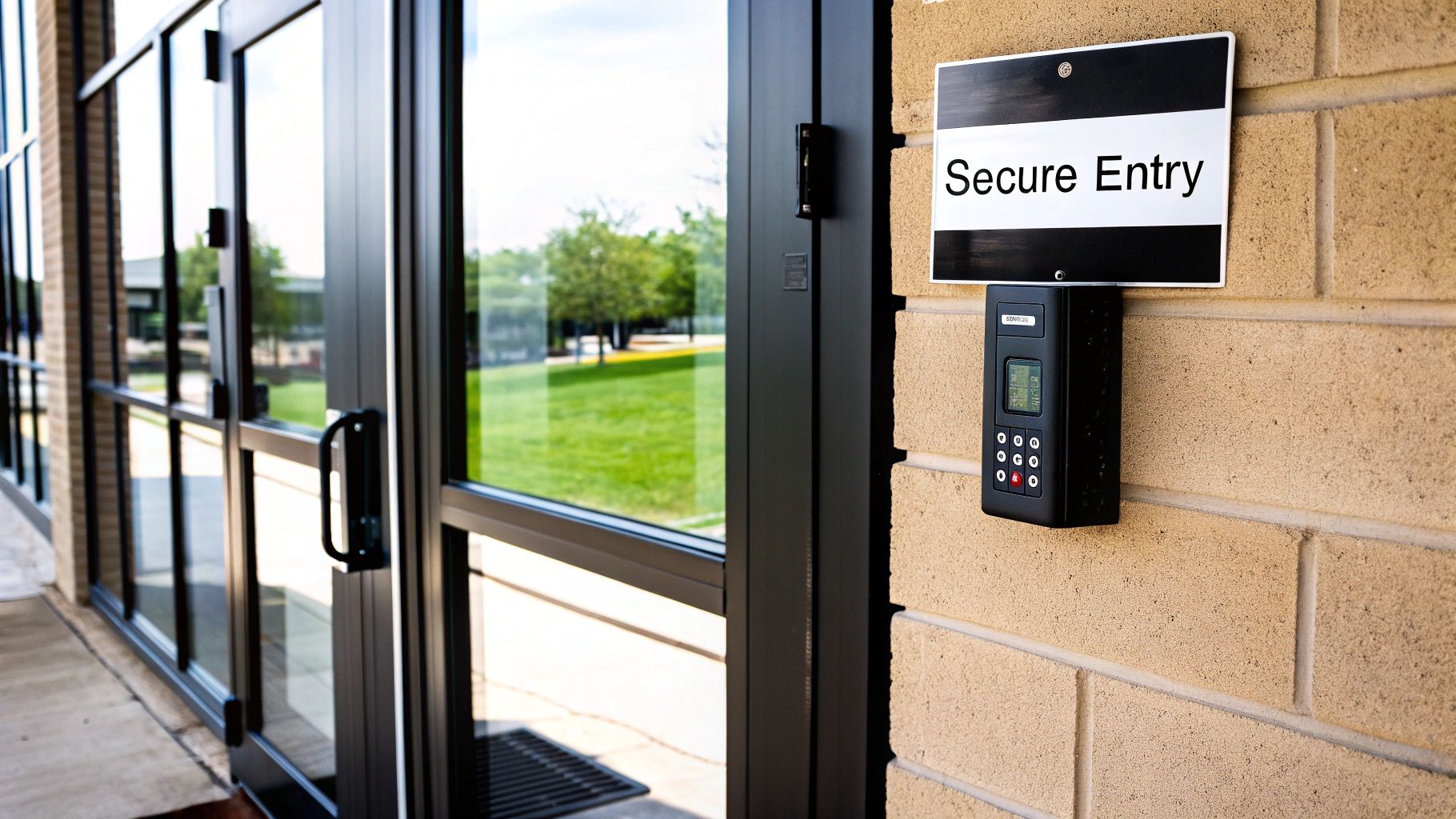
For a long time, sophisticated security systems felt out of reach for anyone but large corporations. That’s just not the case anymore. Today's access control solutions are practical, affordable, and honestly, pretty essential for businesses of all sizes. Moving past traditional locks isn't just a minor upgrade; it's a fundamental change in how you control your physical space.
This shift gives you a serious operational edge. It makes life easier for your employees, protects your valuable inventory and sensitive data, and delivers genuine peace of mind. Instead of fumbling for the right key or calling a locksmith every time an employee leaves, you get total, centralized control.
The Problem with Old-School Keys
Traditional keys come with a few unavoidable risks that only get worse as your business grows. Every time a key is copied, a new potential security hole is created—one you can't easily track or patch.
No Audit Trail: You have absolutely no record of who entered a room or when. This makes investigating issues like internal theft feel like guesswork.
Inflexible Access: Keys are an all-or-nothing deal. An employee either has 24/7 access or none at all. There’s no easy way to grant access only for specific days or times.
High Replacement Costs: If a master key is lost, your entire building is vulnerable. That means rekeying every single lock, which is a major expense and a huge disruption.
An access control system tackles these problems head-on. It's a dynamic security guard for your physical premises, putting you firmly back in command.
The core benefit is simple: An access control system lets you decide not only who can enter, but also when and where. This granular control is something a traditional lock and key can never offer.
A New Standard for Small Business Security
Putting a modern system in place means you can grant or revoke access permissions instantly, right from your computer or smartphone. When an employee leaves, their key fob or card can be deactivated in seconds. The security risk is eliminated immediately, without changing a single lock.
But this technology isn't just about keeping people out; it's also about letting the right people in, efficiently. You can issue temporary credentials for visitors, contractors, or cleaning crews that automatically expire, ensuring they only have access exactly when they need it. For businesses that need to secure specific items, you can even implement secure storage locker systems as part of a wider strategy.
Ultimately, adopting a small business access control system is a strategic move. It secures your assets, simplifies your day-to-day operations, and sets your company up for secure growth down the road.
How Access Control Systems Actually Work
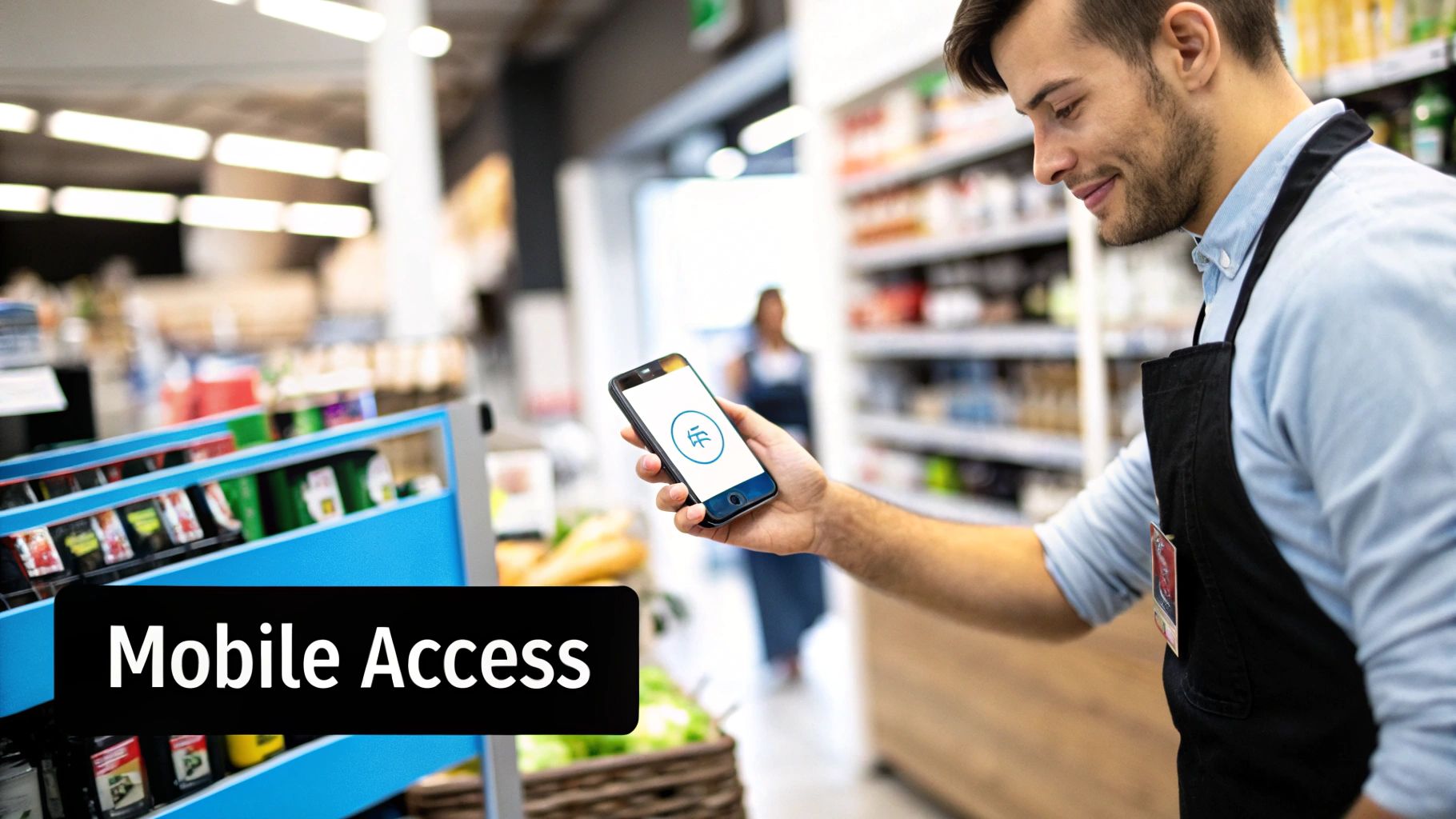
When you get down to it, any modern access control system runs on a simple, three-part process. Think of it as a smart, digital bouncer standing guard at every important door—one that doesn’t rely on memory but on a lightning-fast, logical check.
To really appreciate what small business access control systems bring to the table, it helps to pull back the curtain on the technology. Once you see how the core pieces fit together, you’ll understand how they create such a secure and seamless experience.
Let's walk through the three key players: the credential, the reader, and the controller.
The Credential: Your Digital Key
First up is the credential. This is just a fancy term for whatever your team member uses to identify themselves. It's the modern-day version of a metal key, but it’s a whole lot smarter and more secure.
Unlike a traditional key that can be copied at any hardware store, a digital credential holds a unique identifier that's incredibly difficult to duplicate. This is what the system uses to recognize a specific person.
You’ll see a few common types out there:
Key Cards and Fobs: These are probably what you picture first. They use RFID or NFC technology to "talk" to the reader without any physical contact.
Mobile Credentials: A fast-growing favorite for a reason. This method turns an employee's smartphone into their key through a simple app.
Biometrics: For places needing top-tier security, these systems use unique biological traits—think fingerprints, facial scans, or even an iris scan.
PIN Codes: A classic keypad where you punch in a number. It’s often used as a second layer of security on top of another credential.
Each credential is essentially asking a simple question: "I'm John Smith. Am I allowed in?" The next piece of the puzzle is responsible for hearing that question.
The Reader: The Gatekeeper
The reader is the device you see mounted on the wall next to the door. Its only job is to act as the gatekeeper by reading the information from the credential. When you tap a fob or hold your phone nearby, the reader instantly grabs that unique identifier.
Think of the reader as the eyes and ears of your security system. It doesn’t make the decision; it just gathers the data and passes it up the chain. It’s the crucial link between the person at the door and the brain of the operation.
This is a space that's absolutely booming. The global access control market hit a value of USD 10.76 billion in 2024 and is on track to reach USD 17.30 billion by 2030. While big corporations are a huge part of that, the small and medium business sector is actually projected to grow faster—around 12.25% annually—by adopting these smarter systems. You can dig into more of the market growth data on Grand View Research.
The Controller: The Brain of the Operation
Once the reader has the data, it sends it to the controller. This is the central processor—the brain—of your entire system. The controller takes the ID from the reader and instantly cross-references it with its database of authorized users.
But it does a lot more than just check a name off a list. The controller runs through a set of rules that you’ve defined for your business:
Who: Is this credential valid and assigned to a current employee?
Where: Is this person allowed through this specific door? (For example, the server room has different rules than the main entrance.)
When: Is this person trying to get in at an approved time? (Say, only during business hours or 24/7 for specific managers.)
In a split second, the controller makes its decision. If the answer to all those questions is "yes," it zaps a signal to the electric lock, and the door opens. If even one answer is "no," the door stays locked tight. This immediate, rule-based process is what makes these systems so incredibly powerful and reliable.
Comparing Access Control Models for Your Business
So, you've got the hardware in place. Now what? You need a clear set of rules to govern who gets in and who stays out. This is your access control model—the logic your system uses to make decisions. Without one, you're just guessing, but with a solid model, security becomes a deliberate, well-managed process.
Not every small business access control system handles permissions the same way. The model you pick will directly impact how secure, flexible, and manageable your entire setup is. For most small businesses, the choice comes down to one of three core approaches.
Discretionary Access Control (DAC)
Let’s say you run a small creative agency. You have a design team, a content team, and a sales team, each with their own space. With a Discretionary Access Control (DAC) model, you could make the head of each department the "owner" of their team's office. The design lead decides who can enter the studio; the sales manager controls access to the sales floor. Simple.
In a DAC system, the owner of a resource—whether it's a physical room or a digital file—has the discretion to grant access to others. It’s a very flexible and decentralized way to manage things.
DAC in a Nutshell: The person who "owns" an asset gets to decide who can use it. It's like giving your department heads the keys to their own offices and letting them hand out copies as they see fit.
But that flexibility can be a double-edged sword. If a manager accidentally gives access to the wrong person, or if they forget to revoke permissions when someone changes roles, you could have a security gap. DAC works best in highly collaborative environments where strict, top-down security isn't the top priority.
This image breaks down the key benefits that any good access control system should deliver, no matter which model you're using.
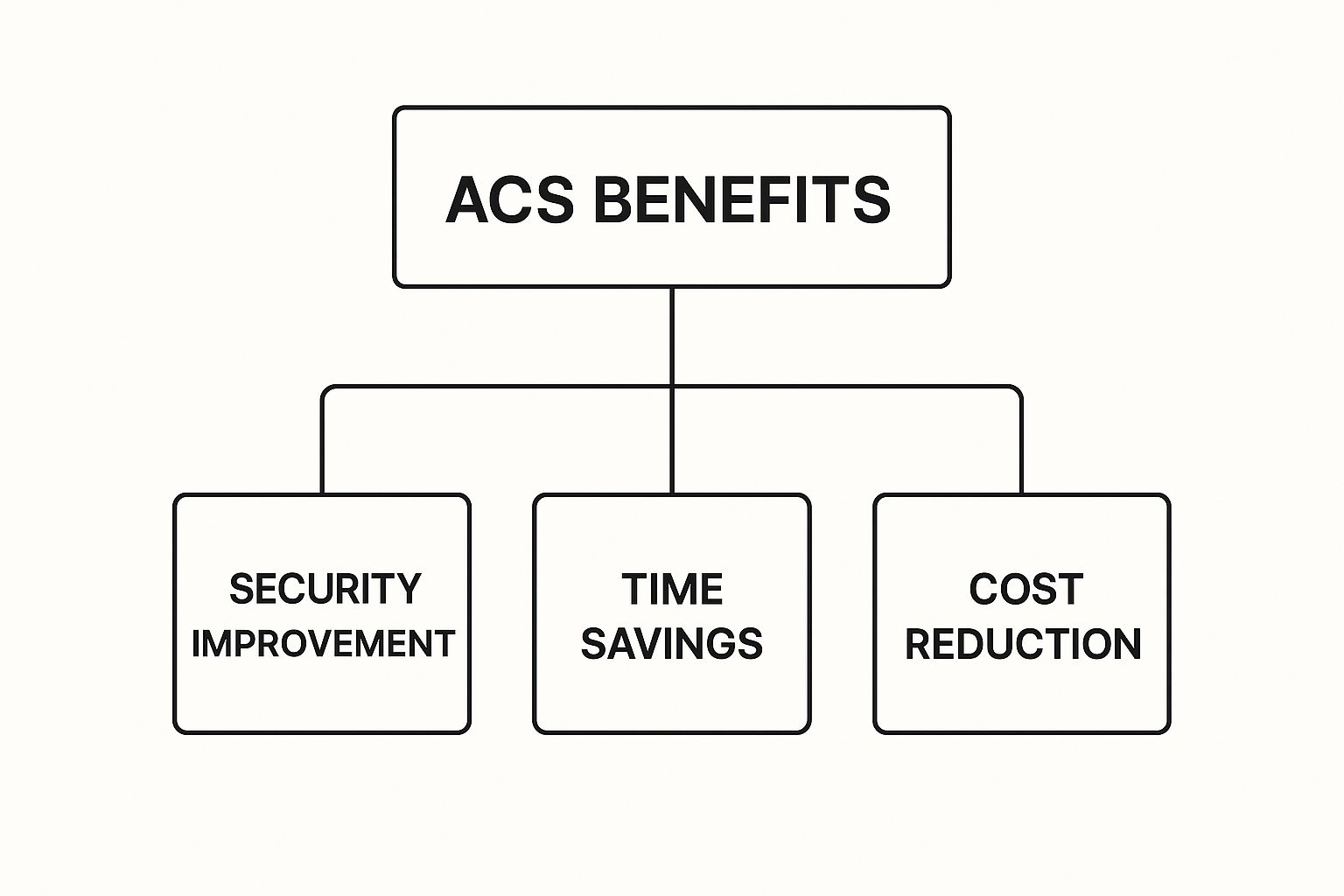
As you can see, it all comes down to beefing up security, saving time on tedious tasks like managing physical keys, and ultimately cutting costs tied to security breaches or just plain inefficiency.
Mandatory Access Control (MAC)
Now, let's flip the script. Imagine your business handles sensitive financial data for clients. In this case, you can't leave access decisions up to individual managers. You need a system-wide, non-negotiable policy. This is where Mandatory Access Control (MAC) shines.
MAC is the most rigid and secure model you can get. Access isn't granted by individuals; it's enforced by a central administrator based on strict security classifications. Think of it like government security clearances.
Here’s how it works:
Everything gets a label: Every person and every resource (like the server room) is assigned a security label, such as "Top Secret," "Confidential," or "Public."
The system enforces the rules: A user can only get into a space if their security label is equal to or higher than the label on that resource.
An employee with "Confidential" clearance simply cannot enter a "Top Secret" room. Period. And only the central admin can change these rules. This tight structure makes MAC great for businesses with serious compliance needs, but honestly, it's usually overkill and too inflexible for the typical small business.
Role-Based Access Control (RBAC)
For the vast majority of small businesses, the sweet spot is Role-Based Access Control (RBAC). It’s the most popular model for a reason, offering a fantastic balance of robust security and straightforward management.
Instead of assigning permissions to people one by one, RBAC groups permissions into job roles. You define roles like "Sales Team," "IT Administrator," or "Executive," and then you simply assign people to those roles.
Everyone in the "Sales Team" role gets access to the main office and sales floor between 8 AM and 6 PM.
Anyone assigned the "IT Administrator" role gets 24/7 access to the server room and equipment closets.
The "Office Manager" role grants access to supply rooms and administrative offices.
When you hire a new salesperson, you just add them to the "Sales Team" role, and they instantly get the right permissions. When someone leaves, you remove them from the role, and their access is gone. RBAC turns managing a small business access control system into a smooth, efficient process that’s far less prone to human error.
To help you decide, let's look at these three models side-by-side.
Access Control Models Compared for Small Businesses
This table highlights the key differences between DAC, MAC, and RBAC to help you see which one might be the best fit for your company's needs.
Access Control Model | Core Concept | Best For... | Pros for Small Business | Cons for Small Business |
|---|---|---|---|---|
Discretionary (DAC) | Resource owners control who has access. | Small, collaborative teams where trust is high. | Simple to understand; very flexible. | Can become a security risk; tracking permissions is messy. |
Mandatory (MAC) | System-level rules and security labels determine access. | Businesses with strict security or compliance needs (e.g., defense, finance). | Highest level of security; centrally managed. | Inflexible and complex; usually overkill for a small business. |
Role-Based (RBAC) | Access is based on a person's job role within the company. | Most small to medium-sized businesses. | Easy to manage; scalable; reduces errors. | Requires careful planning to set up roles correctly at the start. |
Ultimately, choosing the right model is about finding the right balance for your business. RBAC is the go-to for most because it scales beautifully and makes day-to-day administration much easier, but it's always smart to understand all your options.
Key Features Your Access Control System Needs
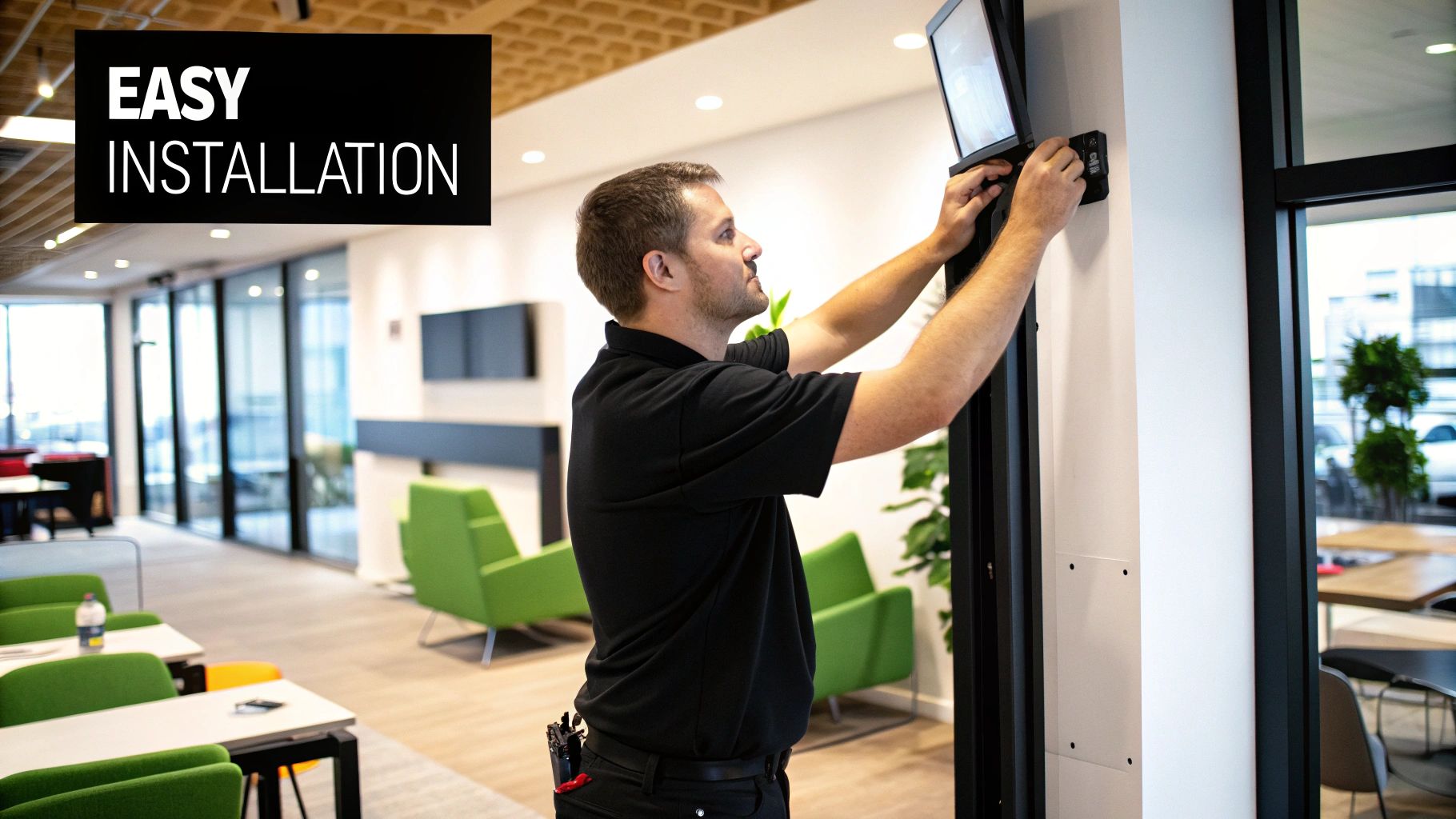
Understanding the different models of access control is a great start, but what really matters are the day-to-day features that make your life easier. A great small business access control system isn't just a lock on the door; it's a tool that can fundamentally improve how you operate.
When you're comparing systems, you have to look beyond the basics of just letting people in and out. The real value is in the modern features that give you genuine control, insight, and convenience.
Cloud-Based Management for Total Control
Think about this: an employee leaves on bad terms. With an old-school lock and key, you're left wondering if they copied that key. With a cloud-based system, you can pull out your phone—wherever you are—and revoke their access in seconds. Problem solved.
This kind of remote capability is a game-changer. You're no longer chained to a specific computer or a server closet in the back office.
Instant Updates: Add a new hire, change a team's schedule, or lock down every door in an emergency, all with a few clicks.
No On-Site Servers: This is a huge plus. It cuts down on IT headaches and hardware costs because the provider handles all the maintenance, security, and backups for you.
Effortless Scalability: As you grow and add more doors or even new locations, a cloud system grows right along with you without a fuss.
This level of flexibility is exactly why the market is booming. The access control market in North America alone was valued at around USD 5.73 billion in 2025 and is expected to more than double to USD 14.19 billion by 2035. This massive shift is driven by small businesses ditching clunky, traditional methods for dynamic, cloud-managed solutions. You can dig into more of this data over at Future Market Insights.
Mobile Access Credentials
Key cards and fobs were a big improvement over metal keys, but let's be honest, they have their own problems. They get lost, stolen, or just left at home, leaving employees stuck outside. Mobile access solves this by turning the one device we never leave behind—our smartphone—into a secure key.
Using Bluetooth or NFC, staff can just tap their phone to unlock a door. This makes managing credentials so much simpler.
You’re no longer ordering, distributing, and replacing plastic cards. Employees use their own phones, which are often already protected with Face ID or a fingerprint, adding a powerful, built-in layer of security.
Real-Time Activity Logs and Alerts
One of the biggest blind spots with a traditional key is the total lack of an audit trail. You have no clue who came and went or at what time. Modern systems fix this by logging every single door event in real time.
From your dashboard, you can see a crystal-clear history of activity. This isn't just for security; it's incredibly valuable for understanding how your space is being used.
But it gets even better with customizable alerts.
Door Propped Open: Get a ping if a secure door is left open too long, so you can address it before it becomes a risk.
Forced Entry: Receive an immediate notification if someone tries to force a door open without a valid credential.
After-Hours Access: Know instantly if someone is trying to get in outside of their approved schedule.
These alerts turn your system from a passive lock into an active security partner, keeping you in the loop and letting you respond to issues the moment they happen.
Seamless Visitor Management
Finally, a good system needs to handle more than just your employees. It has to smoothly manage visitors, contractors, and deliveries without creating a bottleneck at the front door.
Instead of just buzzing someone in blindly, a modern system lets you issue temporary, time-sensitive access.
Digital Visitor Passes: Send a guest a temporary QR code or link to their phone that grants access only to specific areas (like the lobby and a meeting room) for a set period.
Delivery PINs: Create single-use codes for delivery drivers, allowing them to securely access a package room without bothering your staff.
This gives visitors the access they need while keeping your secure areas completely off-limits. It makes for a professional, efficient first impression and gives you total control over every single person on your property.
How to Choose the Right System for Your Business
Picking the right security system can feel like a huge task, but it doesn't have to be. If you break it down into a few logical steps, you can confidently choose a small business access control system that fits your needs like a glove—without paying for a bunch of features you'll never touch.
Think of it this way: you wouldn't buy a generic suit off the rack for an important event; you'd get it tailored. The same idea applies here. The best system is the one that’s fitted to your business's unique size, layout, and daily rhythm.
Start with a Thorough Security Audit
Before you even glance at a product catalog, you have to know exactly what you’re protecting. This first step is the most important one because it lays the groundwork for every other decision you'll make. So, grab a notepad and take a walk around your space.
Ask yourself a few straightforward questions:
How many doors need to be secured? Count every single one you want to control—from the main entrance to the server room and supply closets. Don't forget back doors or side entrances.
How many users will need access? Tally up your current employees, but also think about future hires, regular contractors, or the cleaning crew.
What are your high-risk areas? Pinpoint the places that hold your most valuable assets. This could be inventory storage, rooms with sensitive client data, or offices with expensive equipment.
This simple audit turns a vague idea like "we need better security" into a concrete goal, such as, "I need to secure five doors for 15 employees, with extra-tight control on the server room." Now you have a real list of requirements.
Evaluate Your Building's Infrastructure
Next, it’s time for a reality check on your building. The structure itself will often nudge you toward either a wired or a wireless solution. Neither is automatically better; they just solve different logistical puzzles.
A wired system is incredibly reliable because it's physically connected to your network and power source. It's a fantastic choice for new construction or during a major renovation when running cables through the walls is no big deal. But if you’re in an older or historic building, cutting into walls to run wires can get expensive and messy, fast.
A wireless system, on the other hand, offers amazing flexibility. These setups often use battery-powered locks that talk to a central hub without any cables. They are much easier and faster to install, which makes them perfect for retrofitting an existing space or for businesses that are renting their property.
Think of it like choosing between an ethernet cable and Wi-Fi for your internet. One gives you rock-solid stability, while the other offers unmatched convenience and a simple setup. Your building's layout and installation budget will be the deciding factors.
Plan for Your Future Growth
One of the most common mistakes I see is businesses choosing a system that only solves today's problems. If you have five employees, a simple, single-door solution might seem perfect. But what happens in two years when you have 20 employees and have expanded into the office next door?
Your access control system must be scalable. This just means it should be easy to add more doors, more users, and even more locations without having to tear everything out and start over. A cloud-based system is often the best choice for this, as it lets you expand your network with very few hardware changes.
Compare Cloud vs On-Premise Solutions
This is a big fork in the road that affects your costs, maintenance workload, and how you access the system.
An on-premise system means all the hardware—including the server that stores your data and runs the software—is physically located at your business. You have total control, but you're also on the hook for all the maintenance, security updates, and data backups.
A cloud-based system is managed by the provider. You access everything through a web browser or a mobile app, and they handle all the complicated stuff on the back end. This usually involves a monthly subscription fee, but it dramatically lowers your IT burden and upfront hardware costs. As you weigh these options, understanding essential access control best practices will help ensure your system is effective and secure for the long haul.
Calculate the Total Cost of Ownership
Finally, look beyond the initial price tag. The sticker price for the hardware is just one piece of the puzzle. To get a true picture of the investment, you need to calculate the Total Cost of Ownership (TCO).
Make sure you account for all the potential expenses:
Hardware Costs: The price of the readers, locks, control panels, and key cards or fobs.
Installation Fees: What it costs to have a professional get the system up and running correctly.
Software & Licensing: Any recurring monthly or annual fees for using the management platform.
Maintenance & Support: Potential costs for ongoing support plans or for fixing things that break down the line.
By mapping out these steps, you create a clear framework for your decision. This methodical approach ensures you invest in a system that not only secures your business today but also grows with you for years to come.
Unifying Your Physical and Digital Security
In a world where everything is connected, securing your front door is only half the battle. A truly effective small business access control system doesn't just manage who walks through the door; it extends that protection into your digital world, creating a single, seamless security shield.
This approach recognizes a simple truth: physical and digital threats are often two sides of the same coin.
Imagine an employee swiping their key card. The door clicks open, but that’s not all. In the same instant, that single swipe also logs their company laptop onto the secure Wi-Fi network. This is the power of integrating physical access with Network Access Control (NAC).
Bridging the Physical and Digital Gap
This strategy closes a common—and dangerous—security loophole. Without it, a visitor or even an intruder could walk into your office, plug their laptop into an open network port, and potentially bypass all your fancy firewalls. By tying network permissions to physical presence, you make sure only trusted people with authorized credentials can get onto your digital turf.
This becomes absolutely critical with so many businesses adopting "Bring Your Own Device" (BYOD) policies. When employees use personal laptops and phones for work, your security perimeter gets a lot bigger and blurrier. A unified system helps you regain control by enforcing smart rules, such as:
Only devices belonging to employees who are physically inside the office can access sensitive company files.
Guests can be automatically granted access to a sandboxed guest Wi-Fi network, but they're blocked from touching internal servers.
The Growing Importance of Network Control
Seeing security this way—as a single, cohesive system—is what sets forward-thinking businesses apart. The Network Access Control (NAC) market itself tells the story. Valued at US$ 5.20 billion in 2025, it's expected to skyrocket to US$ 20.92 billion by 2032.
That explosive growth, a compound annual growth rate (CAGR) of 22.0%, is driven by the very challenges small businesses are grappling with every day, from remote work to a constant barrage of cyber threats. For a deeper dive into these numbers, you can find more insights about the NAC market on Coherent Market Insights.
By unifying physical and digital controls, you create a security ecosystem where each layer reinforces the other. An unauthorized physical entry is stopped at the door, and an unauthorized digital entry is blocked from the network.
This integrated approach is part of a larger shift toward smarter, more connected building management. To get a sense of the broader landscape, exploring recent property management technology trends can show how other industries are tackling the convergence of physical and digital protection.
Ultimately, thinking of your security as one strategy—not a collection of separate parts—is how you build stronger, more resilient protection against the threats of today and tomorrow.
Your Top Questions About Access Control, Answered
Even with all the features laid out, it's natural to have some practical questions. Let's tackle some of the most common things small business owners ask when they're thinking about a new security system.
What’s the Real Cost for a Small Business Access Control System?
The price tag can swing quite a bit depending on what you actually need. For a single door with a basic setup, you might be looking at a few hundred dollars for the hardware, plus a monthly software subscription.
If you're outfitting a small office for 10-20 people, you can expect the hardware and professional installation to run anywhere from $1,500 to $5,000. On top of that, the ongoing cloud service fees usually land between $30 and $100 per month.
So, what moves that price up or down? It really comes down to three things:
The number of doors you're looking to secure.
The type of reader you choose (a fingerprint scanner will cost more than a standard key card reader).
How complex the installation wiring is.
My advice? Always ask for a detailed quote that breaks down the cost of hardware, labor for installation, and the recurring software fees. That way, you know exactly what you're paying for.
Are Cloud-Based Access Control Systems Genuinely Secure?
Absolutely. Modern cloud-based systems are built like digital fortresses, often using the same heavy-duty, end-to-end encryption you trust for online banking.
One of the biggest perks is that the security provider manages all the server maintenance and software updates for you. This means your system is always patched and protected from the latest threats, which can actually make it more secure than an on-site system where you're responsible for keeping everything up-to-date.
Just make sure you choose a reputable provider who is open and clear about their security practices.
Can I Just Install an Access Control System Myself?
For a simple, wireless smart lock on a single door, sure, a DIY installation is totally possible. But if you're talking about a wired, multi-door small business access control system that uses hardware like electric strikes or maglocks, I always recommend bringing in a professional.
A pro will make sure every wire is connected correctly, the system works reliably, and everything is up to local fire and building codes. A botched installation isn't just a security risk—it can be a serious safety hazard.
Ready to secure your business with a system that's both powerful and easy to manage? PCI Audio-Video Security Solutions offers advanced access control tailored for your needs.
Comments